EasyManua.ls Logo

Vivitar 786HD - Page 42

Vivitar 786HD
55 pages
Print Icon
To Next Page IconTo Next Page
To Previous Page IconTo Previous Page
Loading...
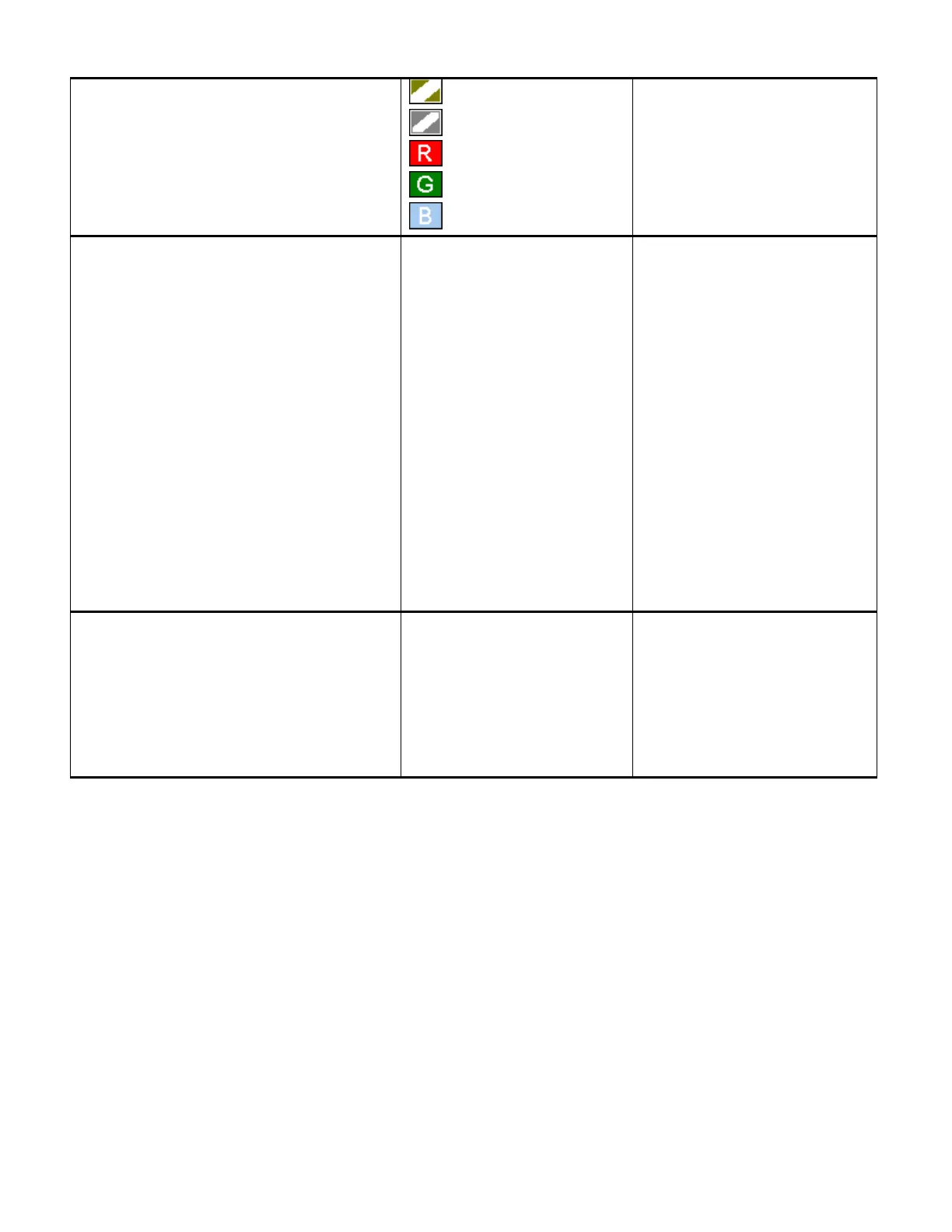
Sepia
Negative
Red
Green
Blue
applied to the photo and
saved as a new, separate
photo.
Rotate
Use the ‘Rotate’ menu to rotate the pictures
that you’ve taken with your camera.
Rotate
Save
Back
Rotate Select ‘Rotate’
and press the
SHUTTER/OK button to
rotate the photo 90 degrees
clockwise. Each time you
select Rotate, it rotates 90
CW.
Save Select ‘Save’ and
press the SHUTTER/OK
button to save the rotated
image.
Back Select ‘Back’ to exit
the Rotate menu without
saving.
Resize
The Resize feature allows you to change the
resolution of your captured image to a smaller
resolution and save it as a separate image.
8M
5M
3M
1M
NOTE: You can only resize
your photo to a smaller
resolution size than the
original photo. All
resolutions above the
original photo resolution
are inactive.

Related product manuals