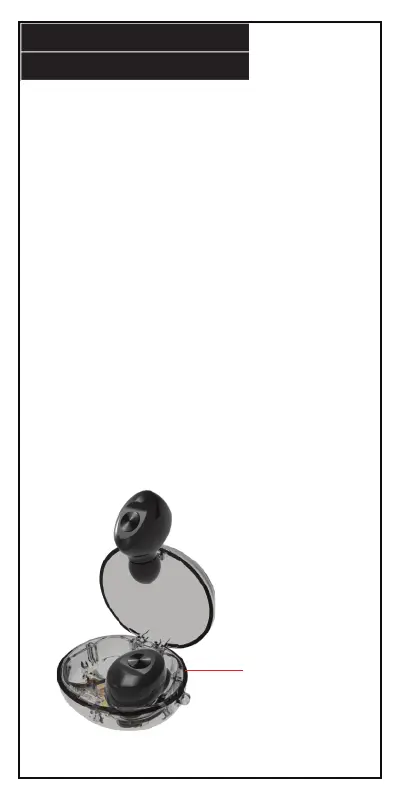
Charging Case
CHARGING
17.
Before using your earphones, remove the charging insulation tabs
(if applicable) so the earbuds can start charging in the charging
case.
Powering the Earphone Charging Case
Insert the small end of the included charging cable into the
charging port on the bottom of your earphone charging case.
Plug the other end into a suitable USB power port.
The indicator light on the bottom of the charging case turns blue
when it is powered on.
Charging the Earphones
When the earphones are low on battery, insert them back into the
charging case. The indicator light on each earphone will turn red
when they are being charged.
IMPORTANT NOTE:
In order for the earphones to charge while they are in the
charging case, the charging case MUST be plugged in.


 To Next Page