7
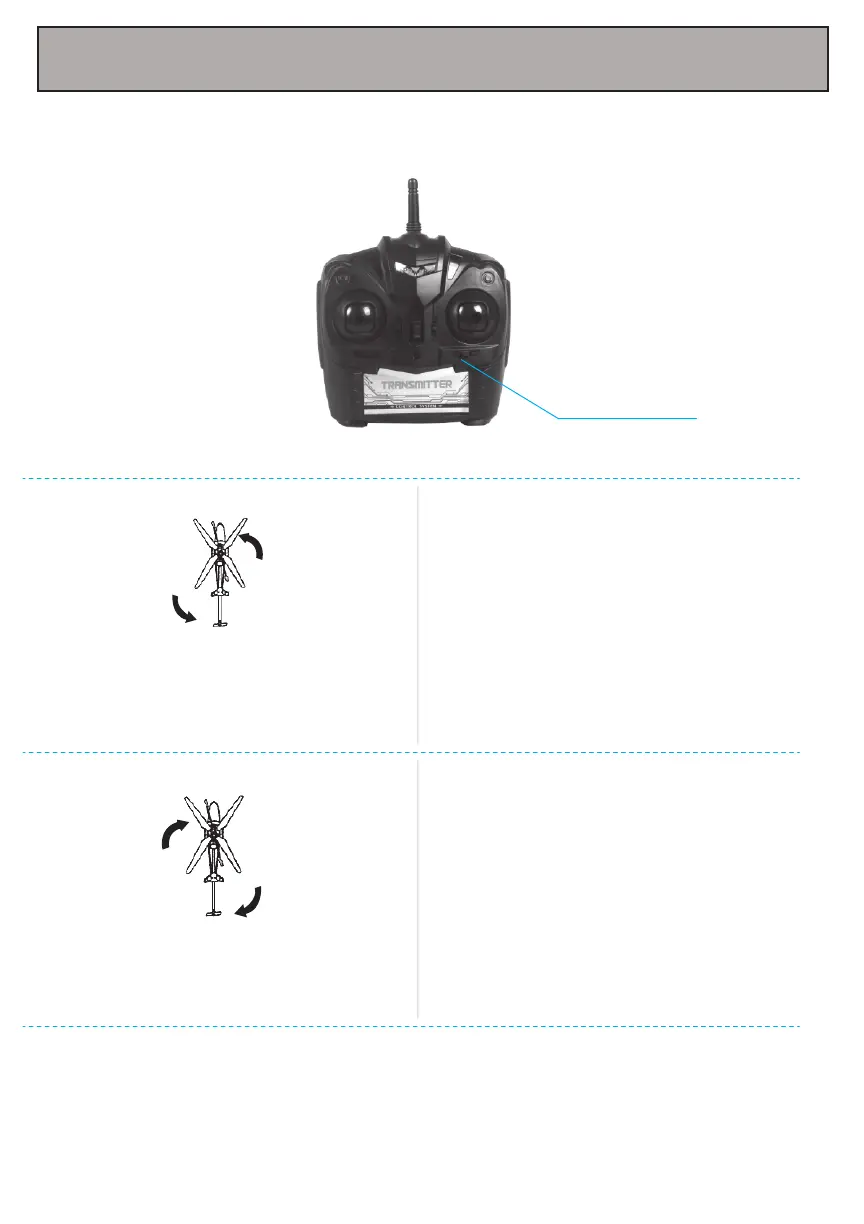
8. Adjusting the Trim
Push the trim button to make minor adjustments in the direction the aircraft is tilted. Adjust the
trim accordingly to make compensations so that the helicopter straightens out.
Helicopter spins to the left.
Push the trim button to the left until the
helicopter stops spinning.
Push the trim button to the right until the
helicopter stops spinning.
Helicopter spins to the right.
Left/Right trim



 To Next Page