ZOOM - Zooms Out of selected photo.
THUMBNAIL - Opens Thumbnail View.
To navigate in the Thumbnail View press the UP / DOWN / LEFT /
RIGHT buttons.
To select an image in the Thumbnail View press the SHUTTER/OK
button.
THUMBNAIL - Scrolls through the images while in Thumbnail view.
NEXT - Displays the NEXT image.
THUMBNAIL - Scrolls through the images while in Thumbnail view.
PREVIOUS - Displays the PREVIOUS image.
THUMBNAIL - Scrolls through the images while in Thumbnail view.
PHOTO PLAYBACK MODE MENUS
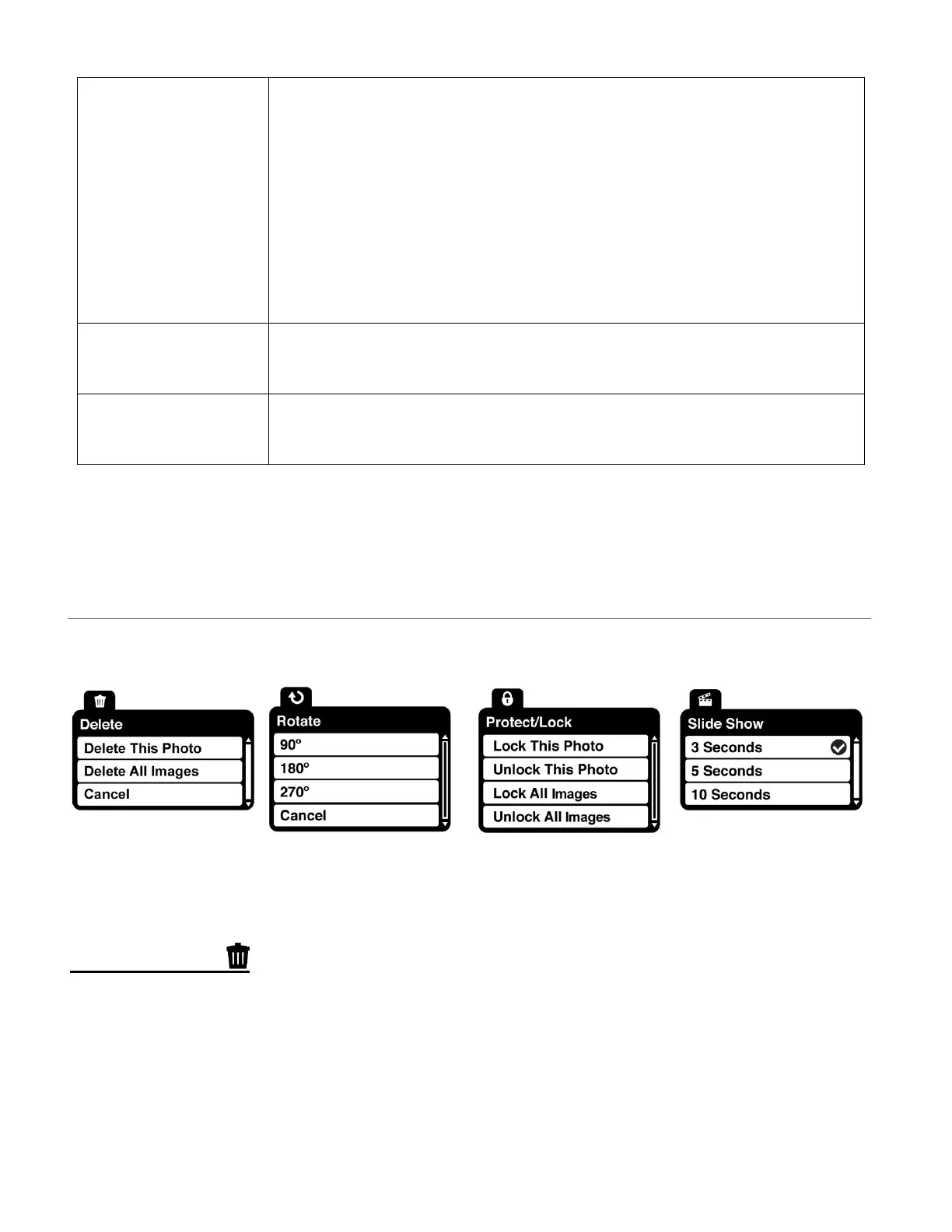
The following are the menus that appear in your camcorder’s Photo Playback Mode:
DELETE MENU
While in the Playback Mode, you can delete images from your camcorder through the ‘Delete’
menu. The ‘Delete’ options include: Delete This Photo / Delete All Images / Cancel
1) Select the photo you would like to delete.
2) Press the MENU button for 2 seconds to open the menus for the current mode.
3) Press the LEFT or RIGHT button to scroll and select the ‘Delete’ menu.



 To Next Page