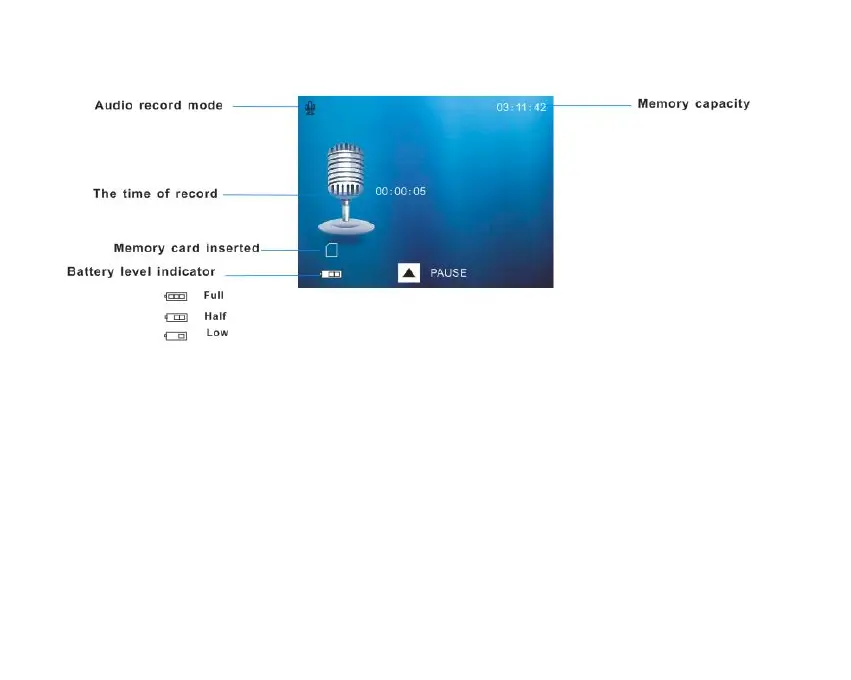
The amount of time that you have to record audio files appears on the top right corner of the LCD.
1. Press the Shutter button to being recording.
2. The time left for recording the audio clip appears in the top right of the LCD and counts down as
the clip is recording.
3. The lapsed time for the audio clip appears in the center of the LCD.
4. Press the Up button to pause the recording.
5. Press the Up button again to resume recording.



 To Next Page