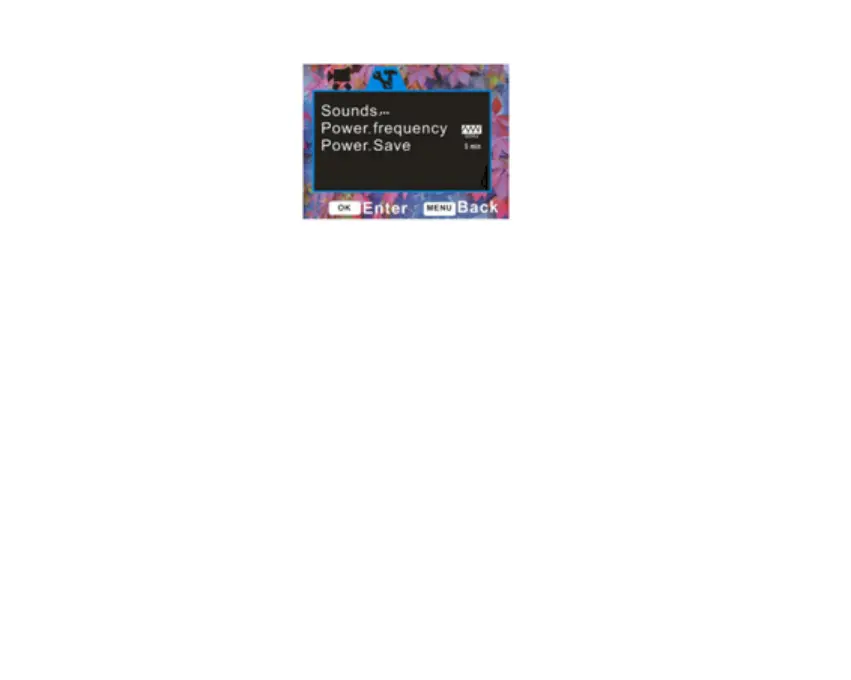
Sounds
In this Setup mode you can adjust the sounds the camcorder emits
1. Press the Up/Down button to select the Sounds menu.
2. Press the OK button to open the Sounds submenu.
3. Press the Up/Down button to highlight and select the Sounds options:
Shutter, Start-up, Beep, Volume
4. To turn on or off the sound the Shutter makes when pressed, use the Right/Left button to
select „On‟ or „Off‟.
5. Press the OK button to save your choice.
6. The set the Start-up sound, press the Left/Right button to select „On‟ or „Off‟



 To Next Page