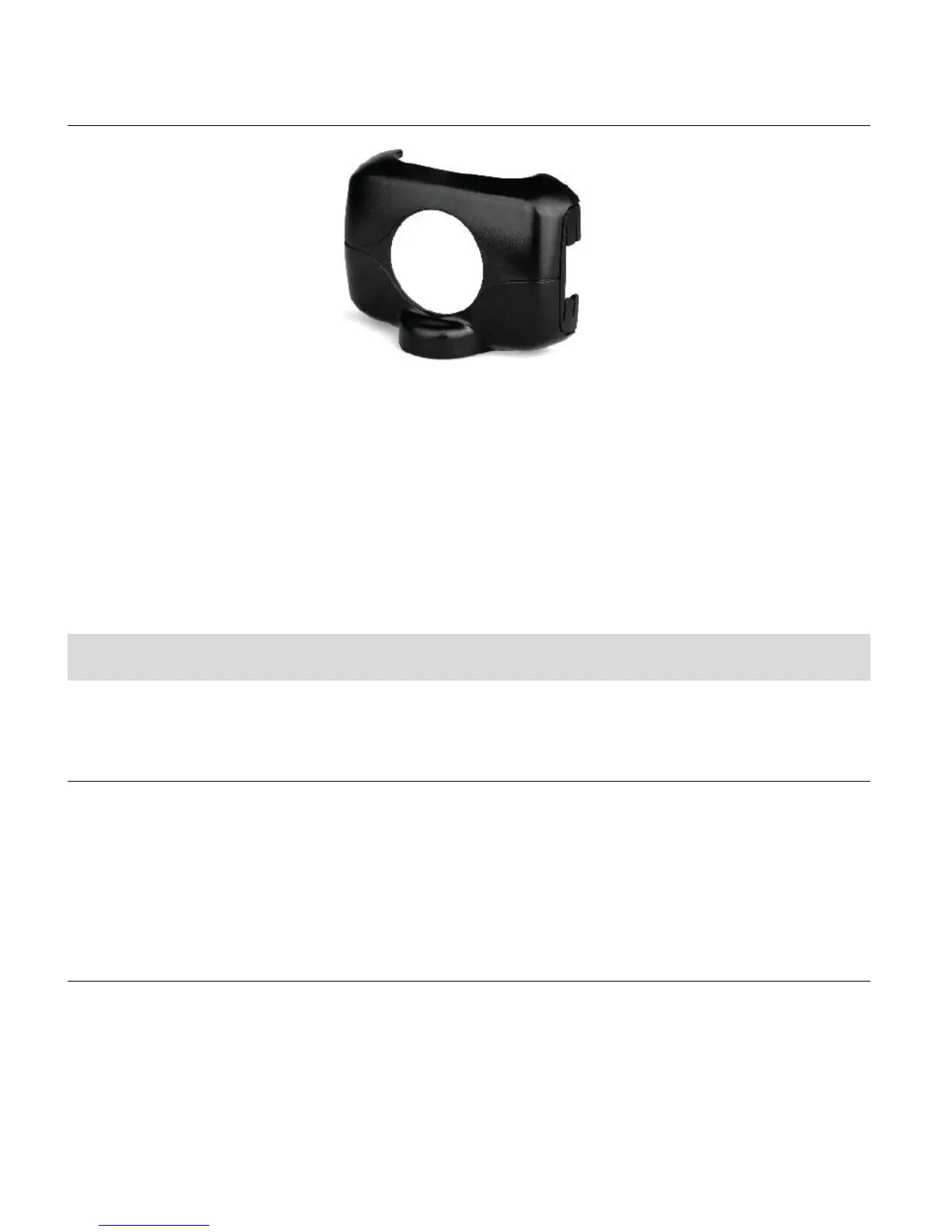
MOUNTING ADAPTER
1. This Mounting Adapter allows you to attach mounting accessories that have a ¼-20
screw.
2. The camcorder will clip right into this adapter.
Powering On Your Camcorder
TURNING POWER ON AND OFF
1. Long press the POWER button to turn on the camcorder.
2. Long press the POWER button again to turn the power off.
AUTO POWER OFF – POWER SAVING FEATURE:
Your digital camcorder includes an Auto Power Off power feature that automatically turns off your
camcorder after a specified time that your camcorder is left idle. The specified time can be set
using the ‘Power Save’ menu option. Once the camcorder is automatically powered off, you can
long press the POWER button to power on the camcorder.



 To Next Page