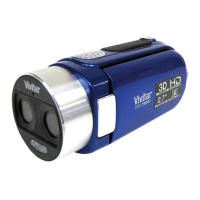
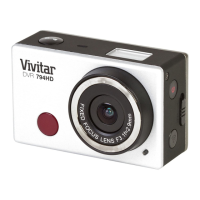
5. The video is automatically saved to the camcorder’s Micro SD card.
NOTE:
When using the Waterproof Case, make sure to set the zoom and camcorder settings before
placing it into the case.
While capturing your video, after approximately two minutes of video capture, the LCD display
turns off in order to save power. The busy LED light remains on and the video continues to be
captured. Press the Shutter button to reactivate the LCD display.



 To Next Page