Preparing Your Camera for Use
Battery Installation
Your DVR camcorder requires a Li-ion rechargeable battery (included in packaging).
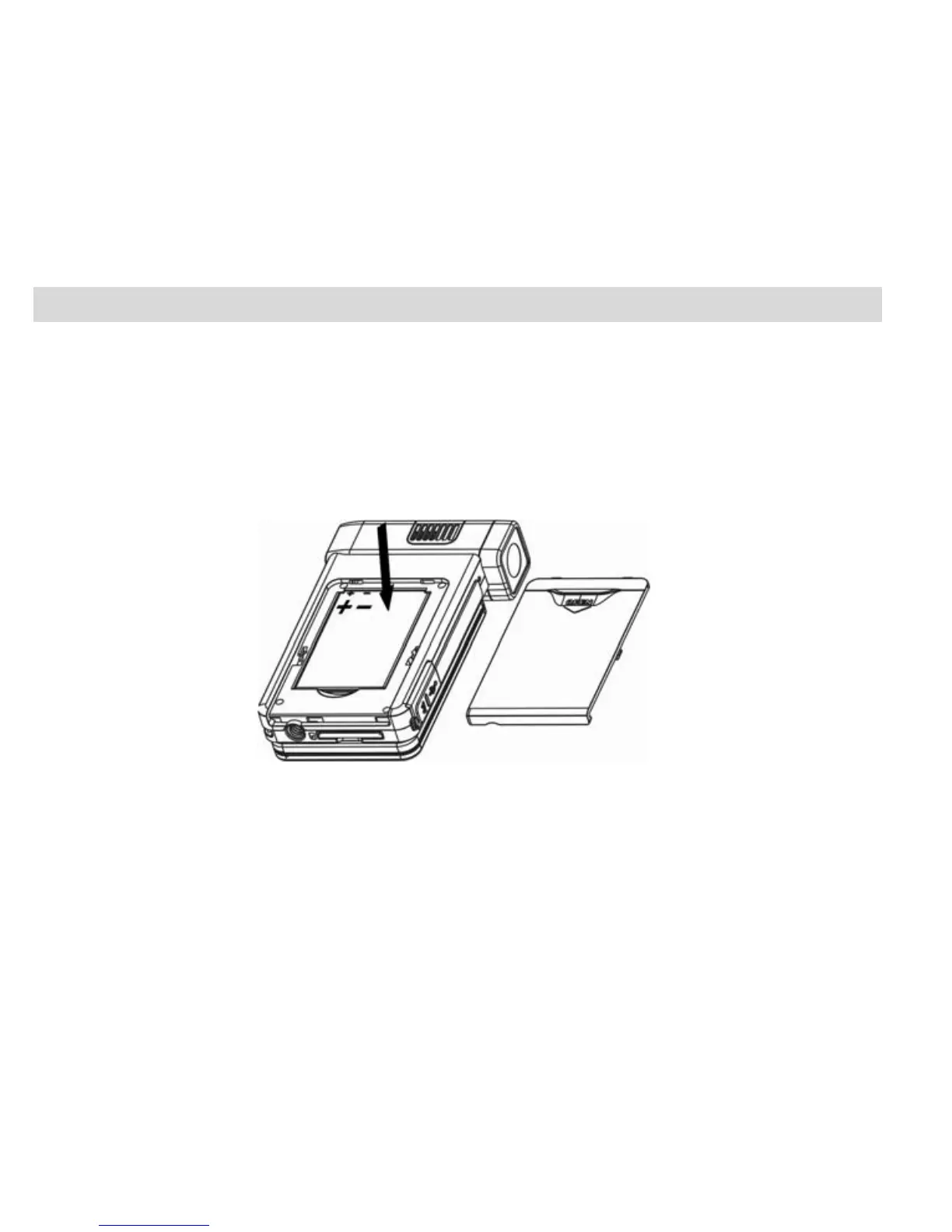
1. Open the battery compartment on the side of the camera.
2. Insert the battery in accordance with the polarity indicated.
3. Return and close the battery cover.
4. To charge your battery the camera should be off. Plug in the camera and connect
to the USB port of the PC. Allow the rechargeable battery to charge for at
least 6 hours before using the camera for the first time.
7



 To Next Page