NOTE:
After the camera is powered on, the SD icon will appear on the LCD display. If you do not see
the SD icon on the display, please check if the card was inserted properly.
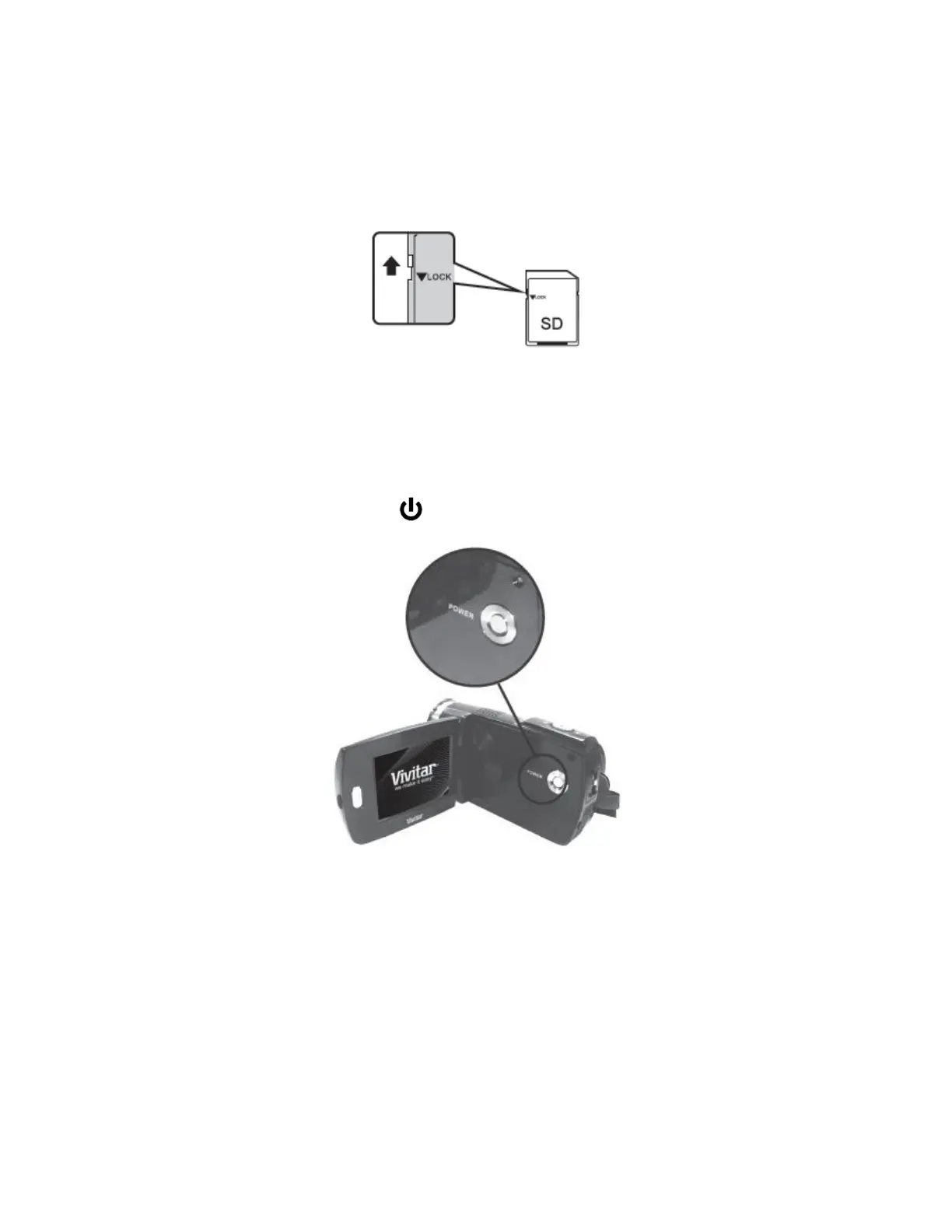
Make sure the SD card is not locked (check the lock switch on the side of the SD card).
If the SD card is locked this will prevent the camera from saving captured photos to the SD card.
3) Powering ON the camera
Flip open the LCD screen. Press the POWER button to turn on the camera.
4) Setting the Camera Language



 To Next Page