52
Photo Playback Mode Quick Function Buttons
Your digital video camera has Quick Function buttons controlled by the OK joystick button.
- Displays the NEXT image
- Navigates in Thumbnail View
- Displays the PREVIOUS image
- Navigates in Thumbnail View
- Begins Slide Show
- Navigates in Thumbnail View
Navigates in Thumbnail View
Enlarges selected photo from Thumbnail size to regular size.
Other:
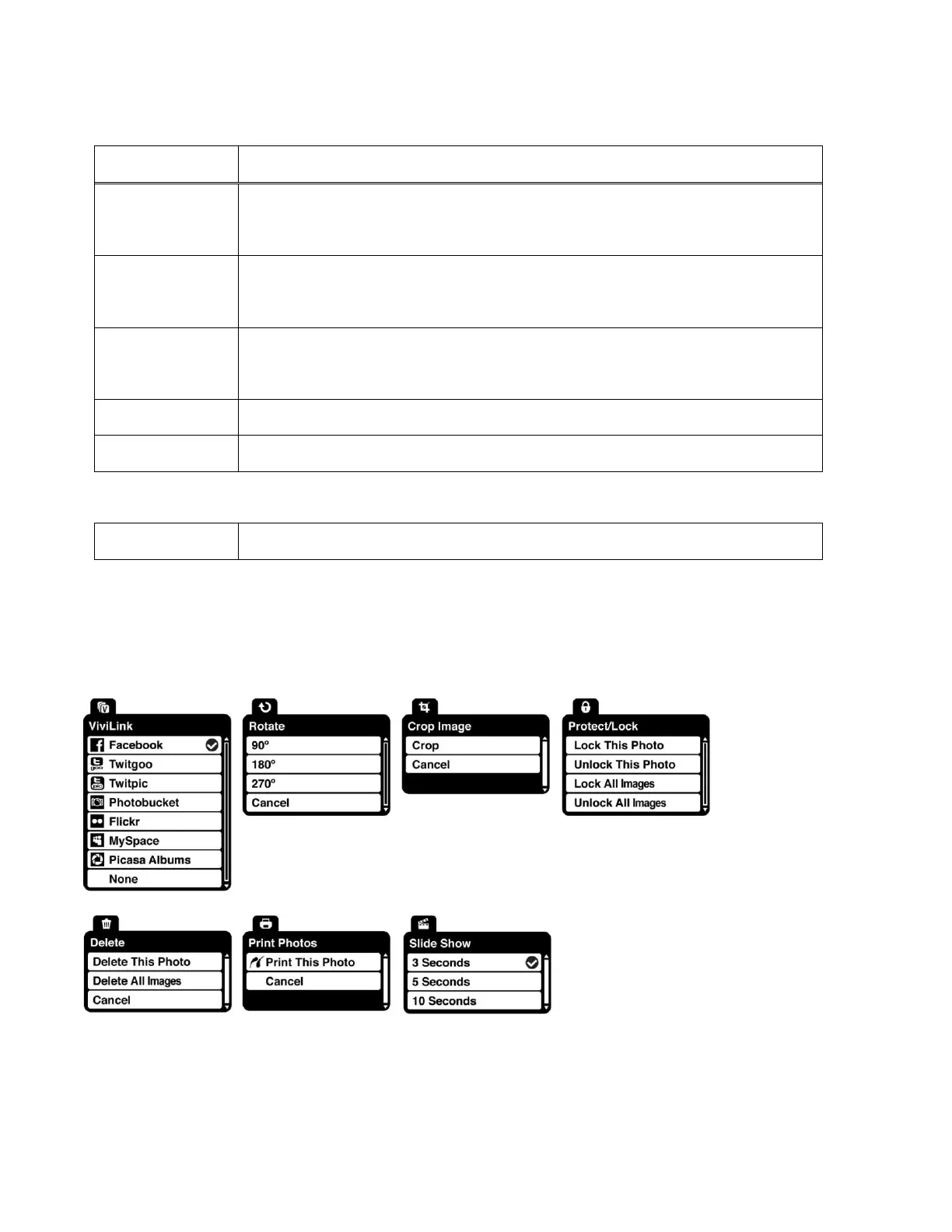
Photo Playback Mode Menus
The following menus appear in your digital video camera‟s Photo Playback Mode:
Note: The order of the menus options may vary.



 To Next Page