61
Getting Photos and Videos from your Camera to Your Computer
The SD card must be inserted in the digital video camera.
Do not disconnect the cable during transfer. Doing so will cancel the transfer of any files on their
way to your computer.
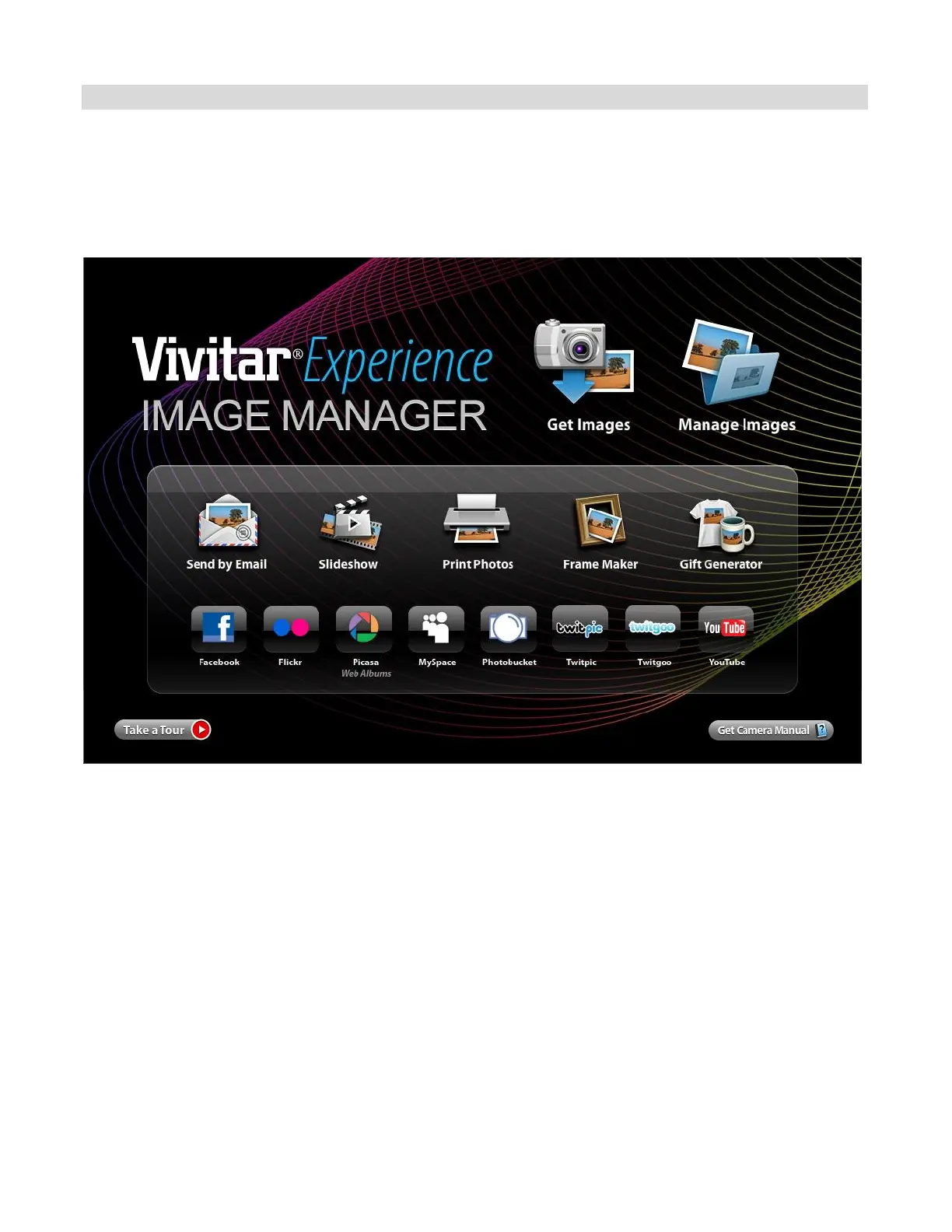
1. Select the “Get Images” button from the Main menu.
2. The “Get Images from device” window opens.
3. You can select to download photos, videos or both.
4. Select your camera (removable disk) from the device window. If your camera is the only USB
device connected then it will be selected automatically.
5. Select a location on the computer where to place the new photo and video files.
6. Add the new photo and video files to albums if desired.
7. Select to remove the media files from the selected device (removable disk) after the import.
8. Click the “Get Images” button to transfer the photos and videos from your camera to your
computer.



 To Next Page