Charging the Lithium Battery
Only use the Lithium Battery that is included in the packaging.
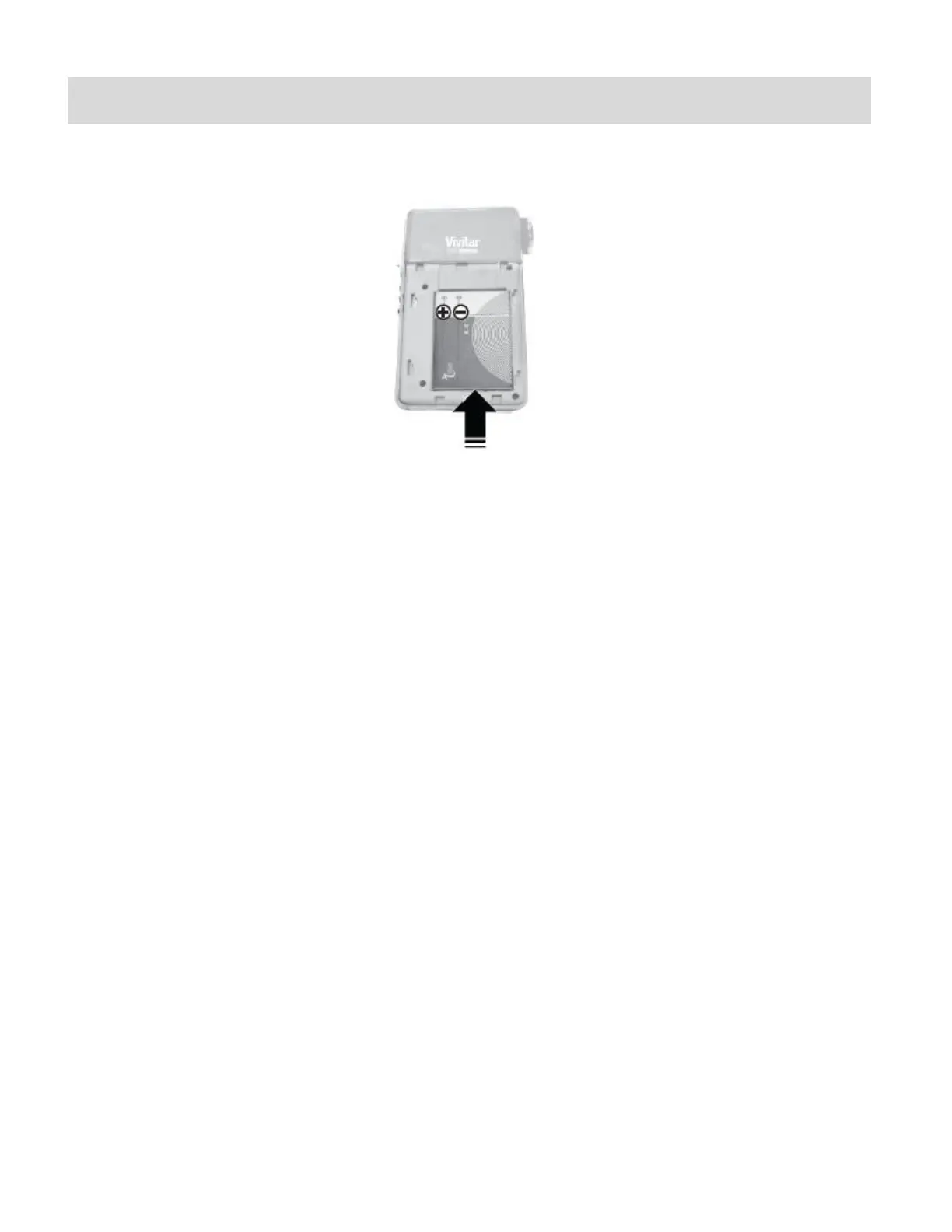
To charge the Lithium Battery insert the battery into the camera in the direction as shown below.
1) Make sure the camera is powered off.
2) Plug in the AC Adapter included in the package and connect the other end to the USB port of
the camera.
3) Alternatively, connect the USB cable to the USB port on the camera and to the USB port of
your computer.
4) A red LED light appears around the Video Shutter button.
5) When fully charged after a few hours the LED will turn off.
NOTE: See „Initial Camera Setup‟ for more details.















 To Next Page