Photo Playback Mode Quick Function Buttons
Your DVR has a four-directional pad that functions as Quick Function buttons.
Displays the PREVIOUS image
Displays the Thumbnail view/ Zooms Out on zoomed photos
Photo Playback Mode Menus
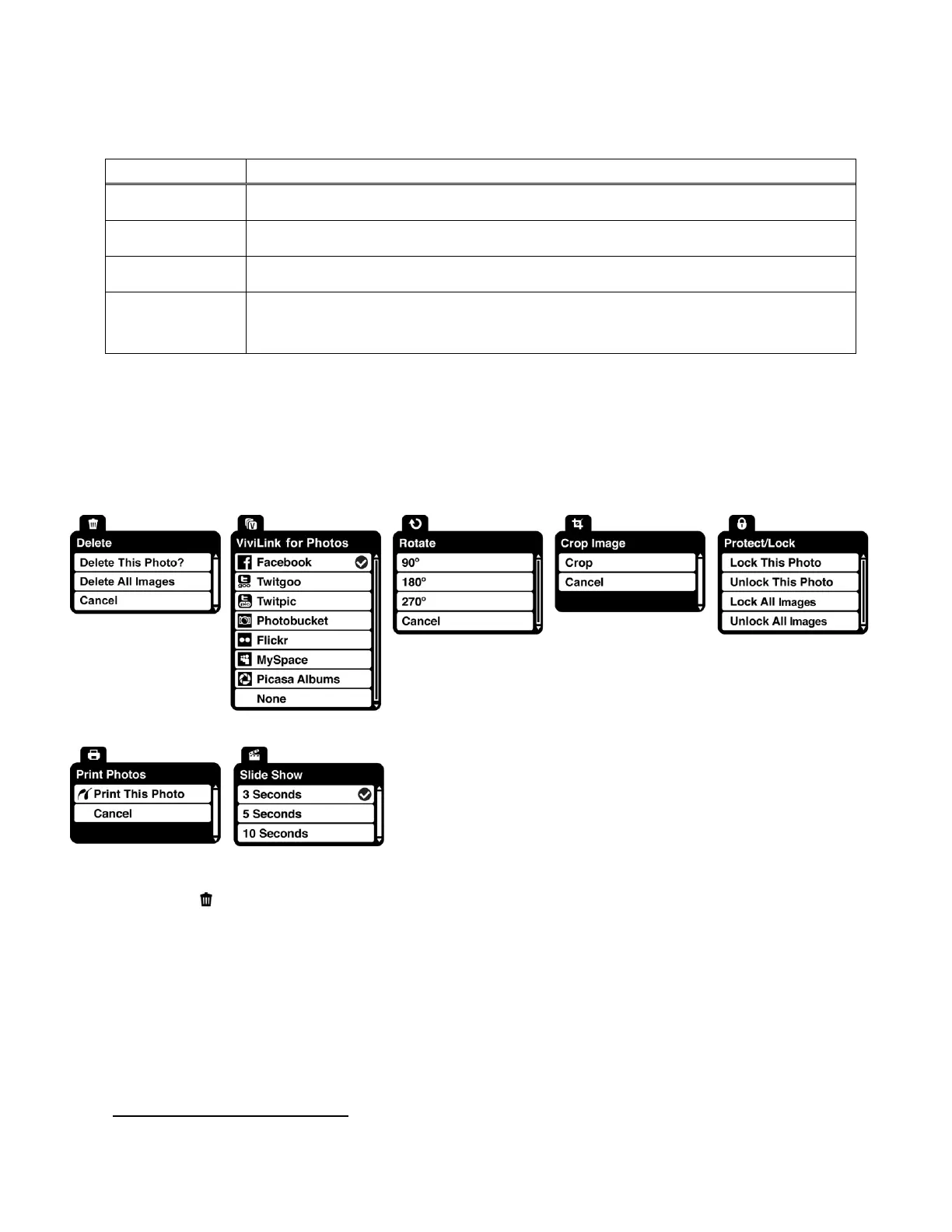
The following are the menus that appear in your camera‟s Photo Playback Mode:
Delete Menu
While in the Playback Mode, you can delete pictures from your camera through the Delete menu.
1) View the photo you would like to delete.
2) Press the SET button to open the menus for the Photo Playback mode.
3) Press the LEFT or RIGHT direction control button to scroll and select the „Delete‟ menu.
4) Press the UP or DOWN direction control button to scroll through the menu options.
5) To delete the selected photo:
Select “Delete This Photo?” and press SET button.















 To Next Page