40
PHOTO CAPTURE MODE QUICK FUNCTION BUTTONS
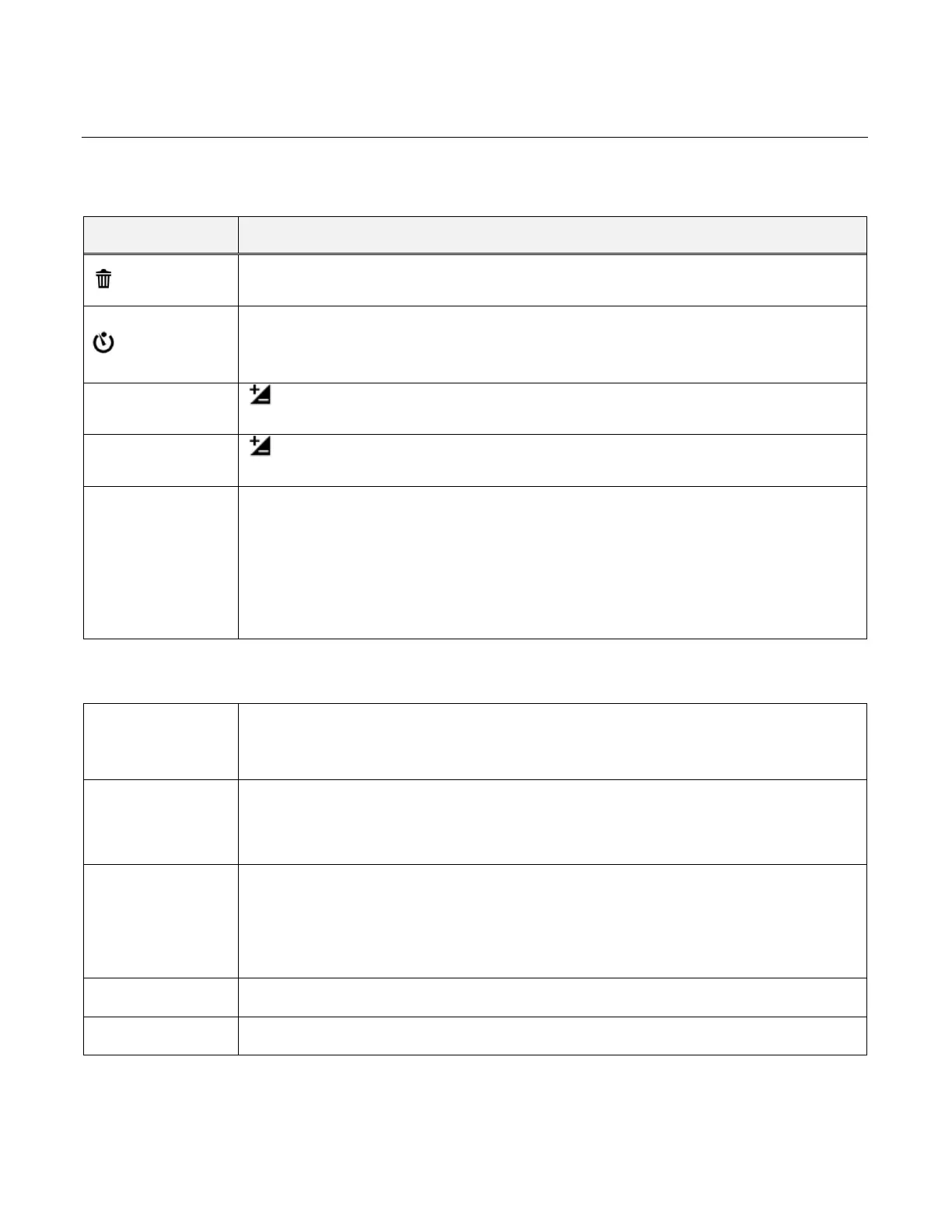
Your digital camcorder has a four-directional pad that functions as Quick Function buttons.
Delete
Opens the Delete menu to the ‘Delete This Photo?’ option
Self-Timer
Toggles between the Self-Timer Options:
2 seconds, 5 seconds, 10 seconds, Off
Light Exposure (-3.0EV ~ +3.0EV)
Increases the Light Exposure +
Light Exposure (-3.0EV ~ +3.0EV)
Reduces the Light Exposure -
LED Light
Turns the LED Flash Light On / Off
MENU: SAVE SELECTION
Selects and saves your chosen menu option.
Other
PHOTO CAPTURE:
Captures your photo.
Opens the Menu options for Photo Capture Mode.
To navigate through the Menus, use the UP/DOWN/LEFT/RIGHT
direction control buttons.
MODE SELECTION
Toggles between the Photo Capture Mode, Video Capture Mode and
Playback Mode.
Exits the menu screen.



 To Next Page