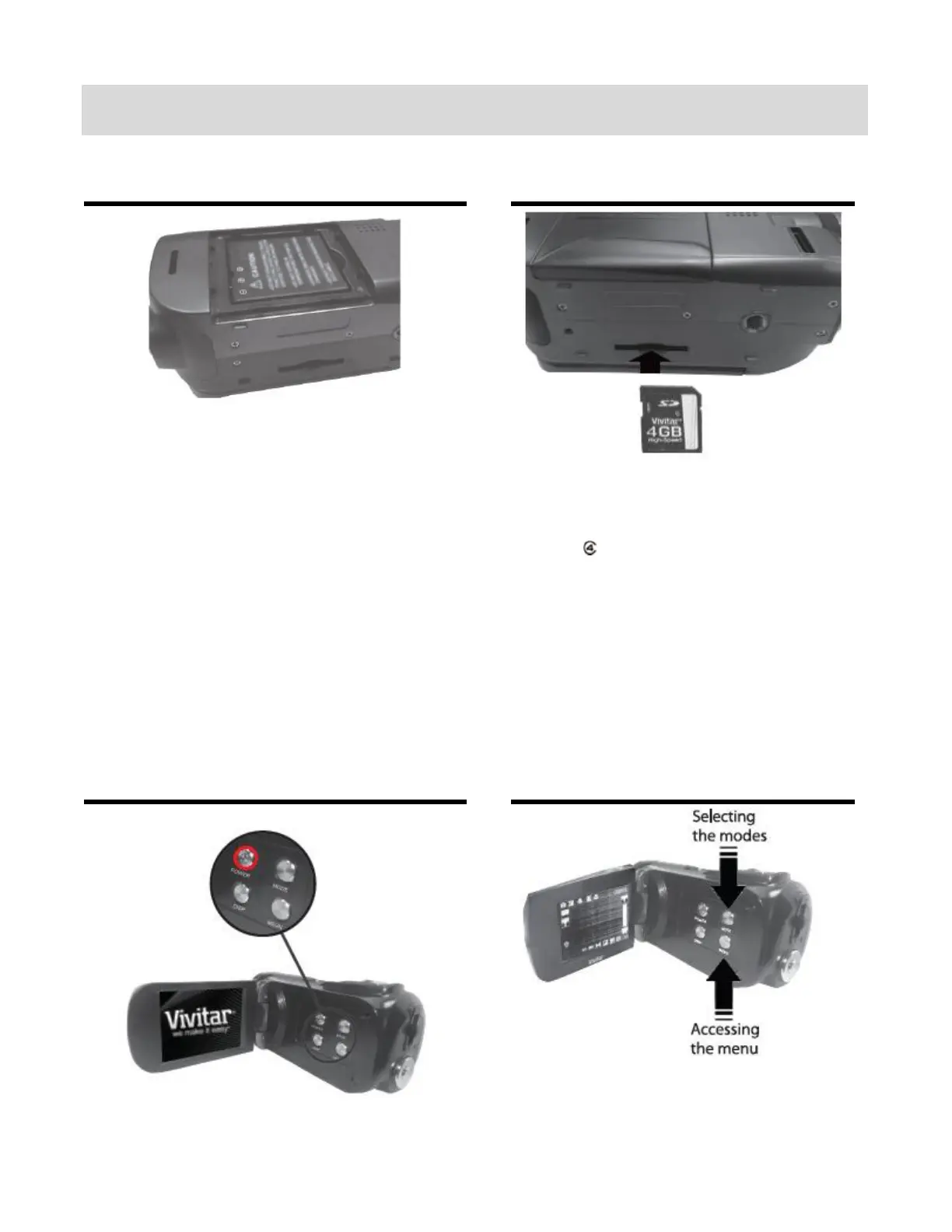
Charge before using your camcorder for the
first time.
To Charge the Lithium Battery:
1. Power off the camcorder.
2. Make sure the battery is inserted correctly.
3. Connect the camcorder using the supplied
USB cable to the computer’s USB port or to
the AC Charger (which is then inserted into a
standard wall socket).
4. Allow the battery to charge for at least 3
hours before using the first time.
5. The charge light will turn off when the
battery is fully charged.
Insert SD Memory card (up to 32GB)
before use.
Important: You must use a Class 4 SD
card or higher SD card only.



 To Next Page