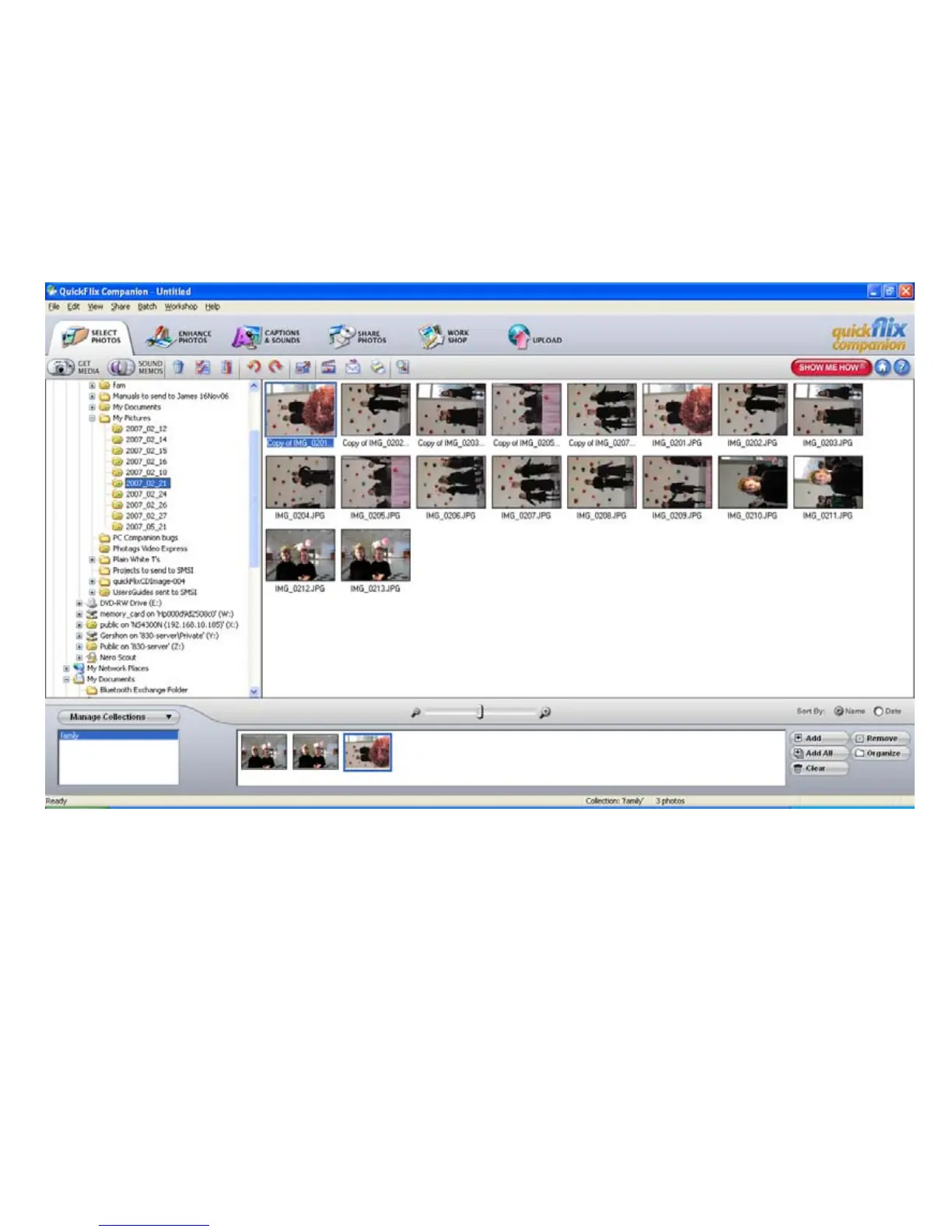
• Manage your photos by creating countless unique photo collections without duplicating any
photos. Simply select the photos from the Thumbnail window and add them to the collection
window at the bottom of the screen. Click the ‘Add’ button or drag the photo into the window.
• Play your videos – double click on the video that appears in the thumbnail screen in the
Select Photos mode, or right click on the video and select the ‘Play’ option from the menu that
appears.
33


 To Next Page