SAVE SELECTION - Saves your selected menu option.
To navigate through the Menus, press the UP/DOWN/LEFT/RIGHT
direction control buttons.
Toggles between the Photo Capture Mode, Video Capture Mode
and Playback Mode.
Exits the menu screen.
THUMBNAIL VIEW – Opens the Thumbnail View.
To navigate in the Thumbnail View press the UP / DOWN / LEFT /
RIGHT direction buttons.
To select an image in the Thumbnail View press the SET button.
VIDEO PLAYBACK MODE MENUS
The following are the menus that appear in your camera’s Video Playback Mode:
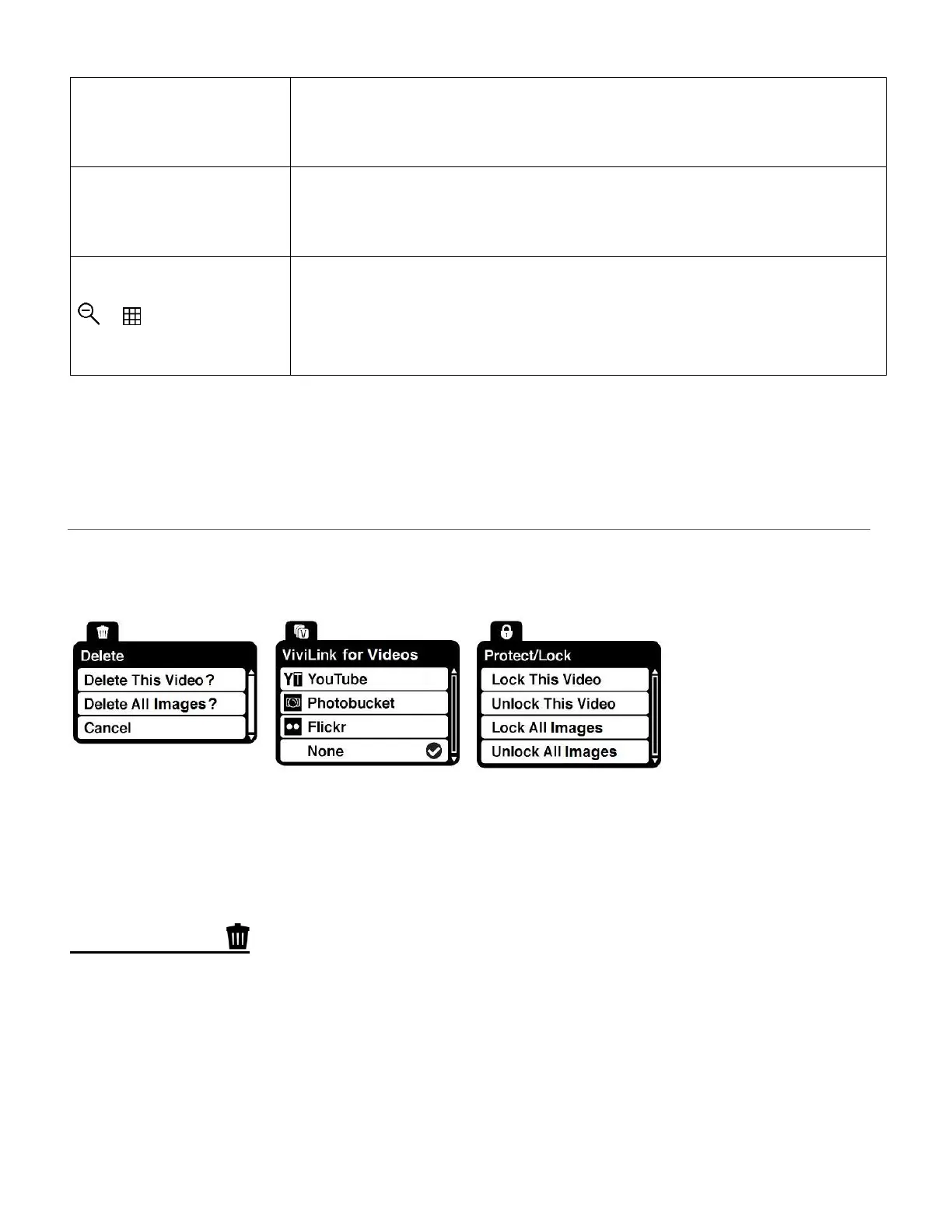
DELETE MENU
While in the Playback Mode, you can delete videos from your camera through the ‘Delete’ menu.
1) Select the video you would like to delete.
2) Press the SET button to open the menus for the current mode.
3) Press the LEFT or RIGHT button to scroll and select the ‘Delete’ menu.
4) Press the UP or DOWN button to highlight a specific option.





 To Next Page