VIVOTEK
User's Manual - 31
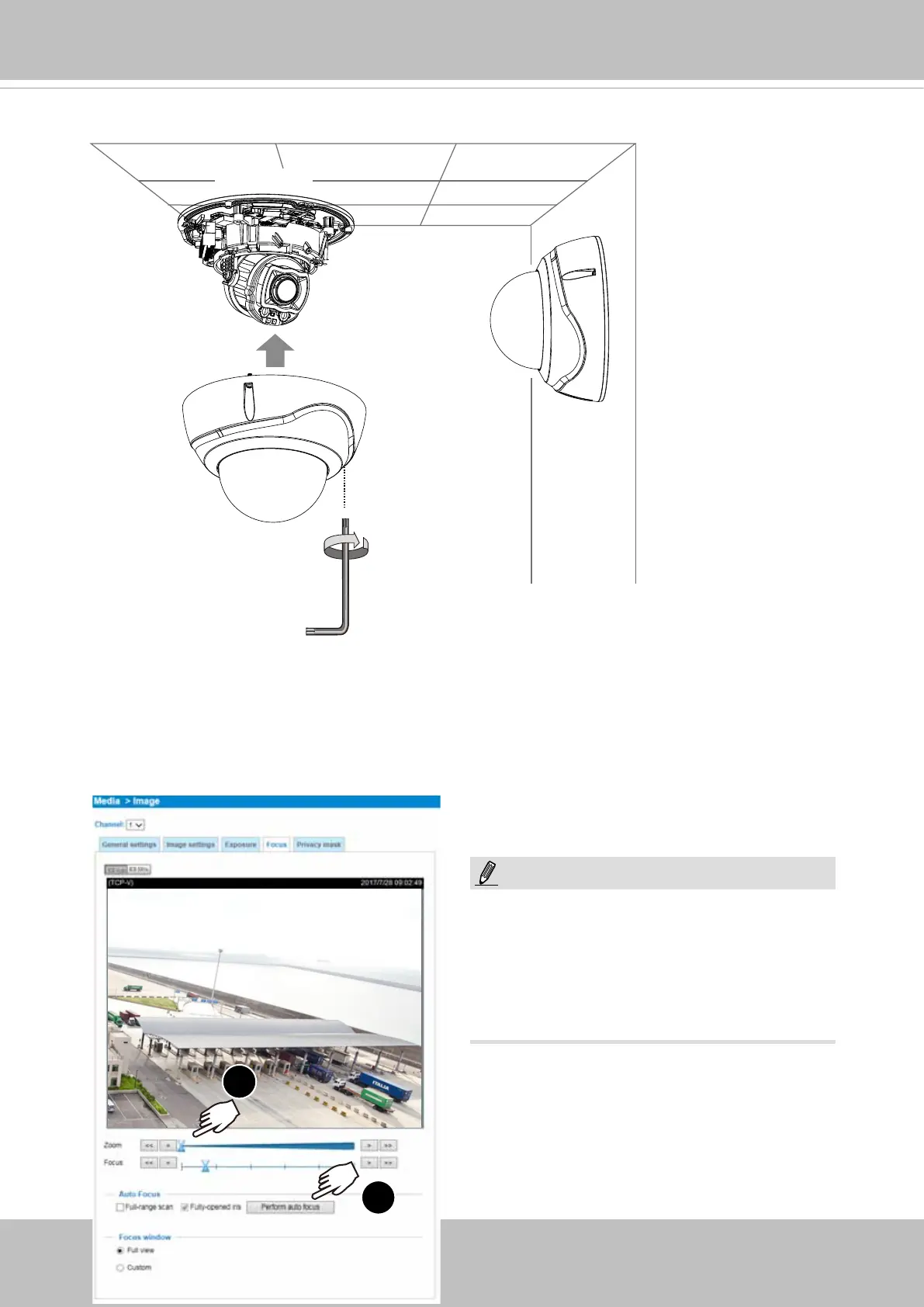
Torque:
6.5±0.5 Kgfxcm
17. Install the dome cover using the T10 wrench.
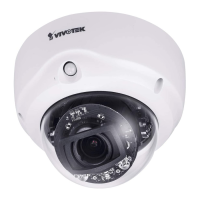
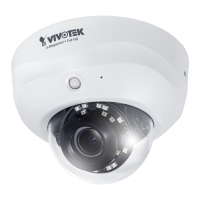
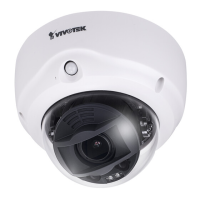
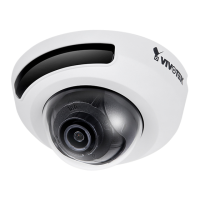
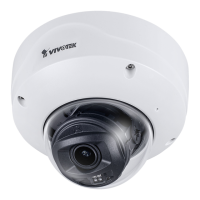
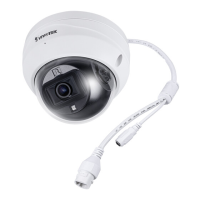
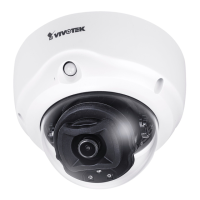
The FD9187-H and FD9387-HV is a xed-
lens model, and does not support the Zoom
and Auto Focus function.
NOTE:
From a web console, open the firmware configuration page. Enter the Configuration >
Media > Image > Focus page. You will see a live stream on screen. If preferred, you
can zoom in on the scene. Use the “Perform Auto Focus” function to automatically tune
to a best image focus. Check the live view to ensure the image is in focus.
1
2
Conguration > Media > Image > Focus
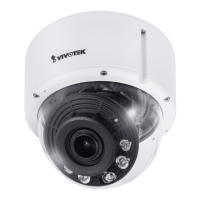
The "T" models comes with a motorized
focus lens.



 To Next Page