VIVOTEK
156 - User's Manual
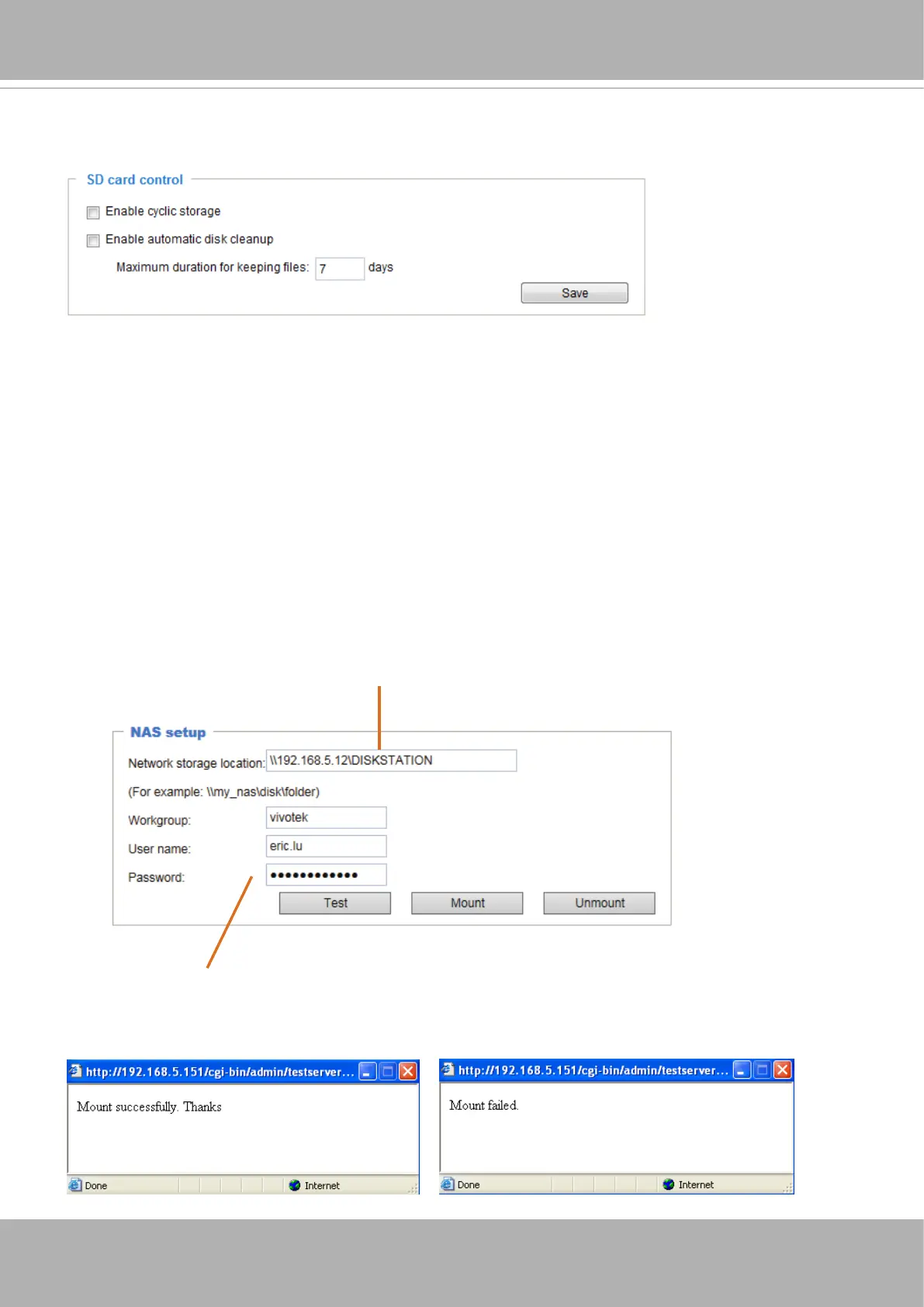
SD card control
■ Enable cyclic storage: Check this item if you want to enable cyclic recording. When the maximum
capacity is reached, the oldest le will be overwritten by the latest one.
■ Enable automatic disk cleanup: Check this item and enter the number of days you wish to retain a le.
For example, if you enter “7 days”, the recorded les will be stored on the SD card for 7 days.
Click
Save
to enable your settings.
NAS management
On the NAS setup page you can congure your NAS (Networked Storage) conguration, test, mount, or
unmount the networked storage.
You can use the
Test
button to check the setting. The result will be shown in the pop-up window.
Network storage path
(\\server name or IP address\folder name)
User name and password for log in to a NAS user account















 To Next Page