VIVOTEK
User's Manual - 157
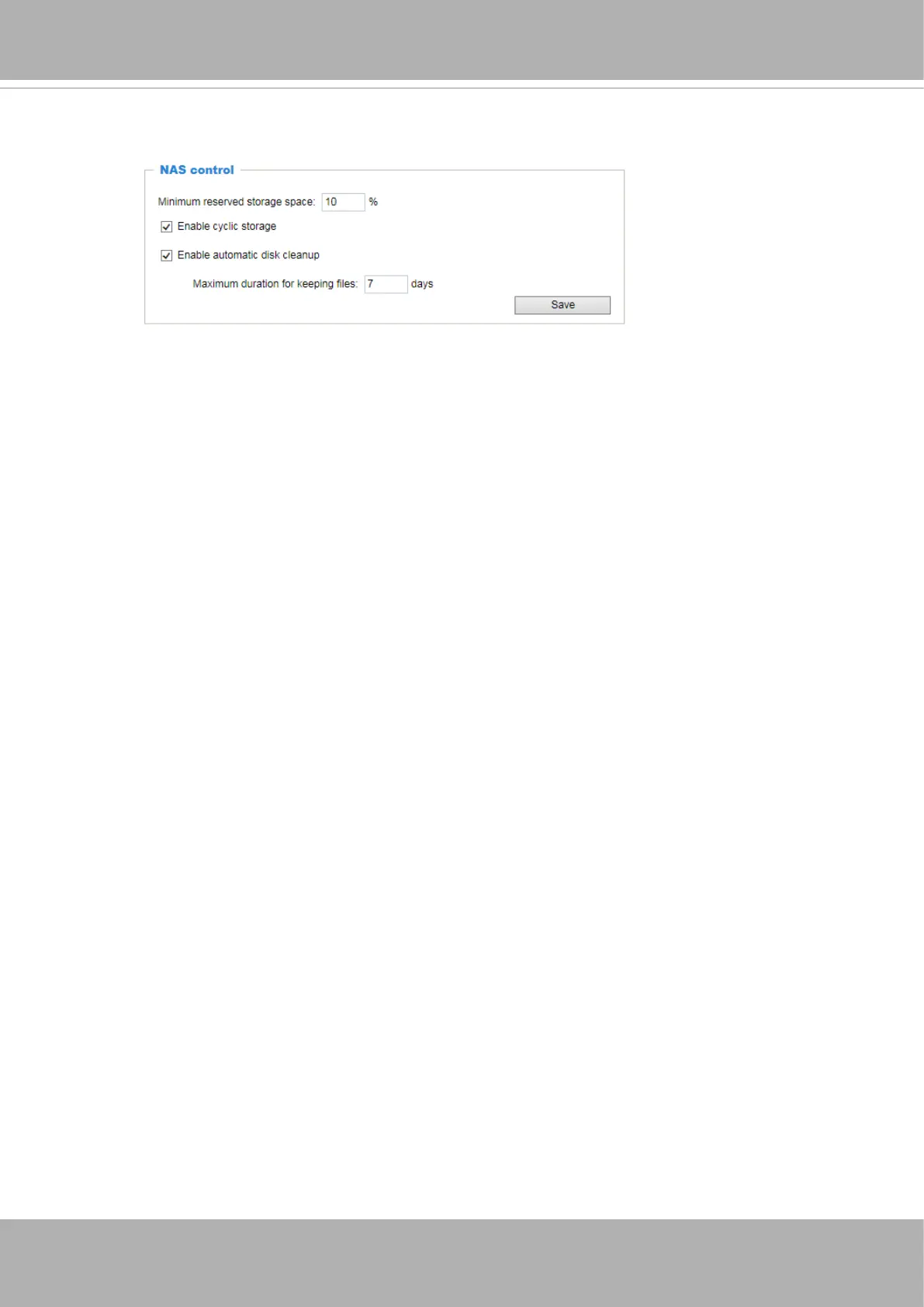
NAS control
■ Minimum reserved storage space: This can be used to configure the percentage of space
threshold for the camera commencing space clean-ups. The minimum reserved space is 512MB
for SD card; 1GB for a network share.
■ Enable cyclic storage: Check this item if you want to enable cyclic recording. When the maximum
capacity is reached, the oldest le will be overwritten by the latest one.
■ Enable automatic disk cleanup: Check this item and enter the number of days you wish to retain
a le. For example, if you enter “7 days”, the recorded les will be stored on the network share
for 7 days.
Click
Save
to enable your settings.















 To Next Page