VIVOTEK
User's Manual - 55
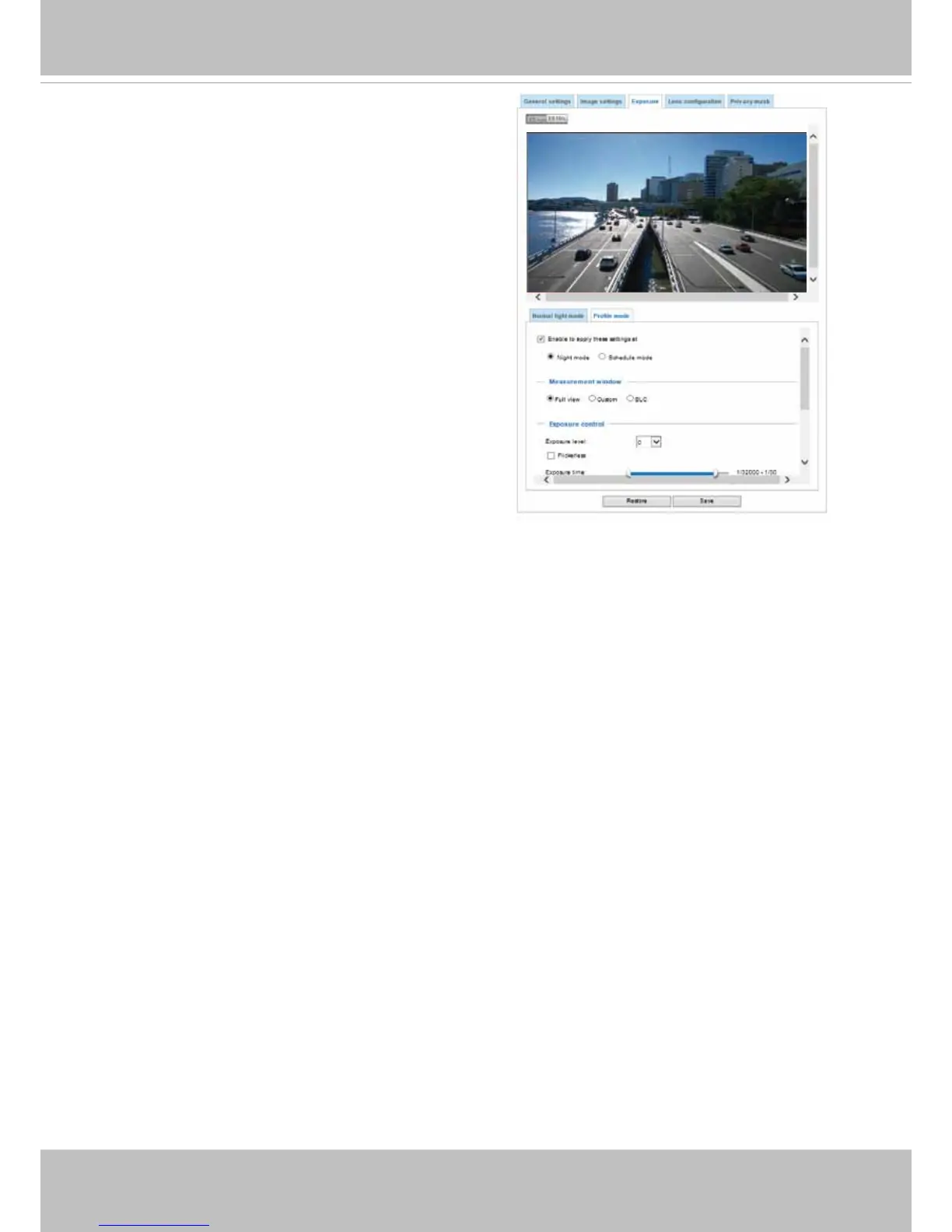
Please follow the steps below to set up a prole:
1. Select the Prole mode tab.
2. Select the applicable mode: Night mode or
Schedule mode. Please manually enter a range of
time if you choose the Schedule mode.
3. Congure Exposure control settings in the folowing
columns. Please refer to previous dicussions for
detailed information.
4. Click Save to enable the setting and click Close to
exit the page.
Lens conguration
If you apply a different lens to the camera, you can upload a different conguration le (containing
an image library) for the specic lens module without updating the entire rmware. Please contact
VIVOTEK's technical support for the supported Lens conguration les.
Note that applying a new lens conguration requires a camera reboot.



 To Next Page