VIVOTEK
60 - User's Manual
Note that when the frame size is set to 176 x 144 as shown in the picture below, only the time will be
stamped on the video streams.
Image Settings
Advanced Mode
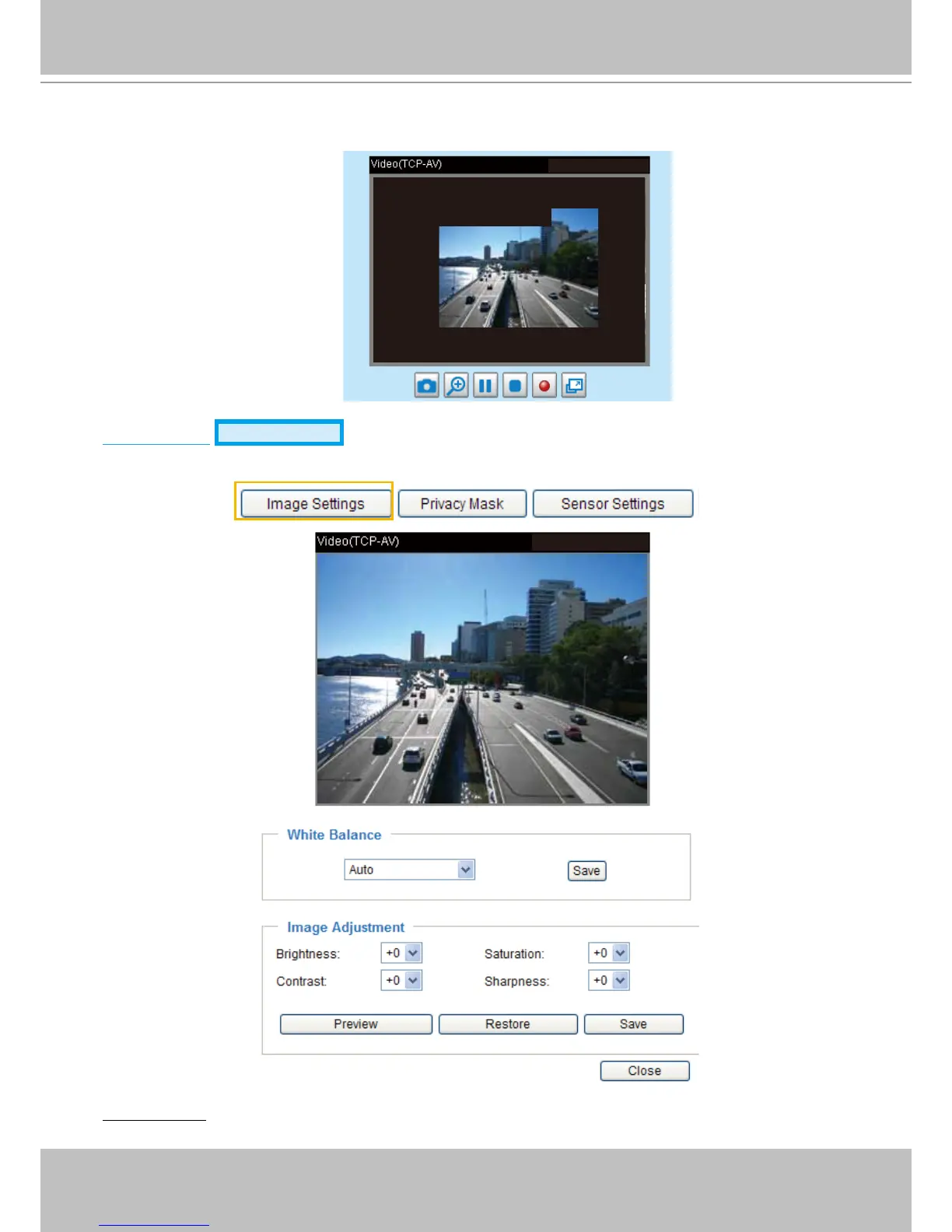
Click Image Settings to open the Image Settings page. On this page, you can tune the White balance,
Brightness, Saturation, Contrast, and Sharpness settings for the video.
White Balance: Adjust the value for the best color temperature.
13:44:17 2010/01/13
2010/01/13 13:44:17
2012/08/06 13:44:17



 To Next Page