VIVOTEK
User's Manual - 73
Camera Control
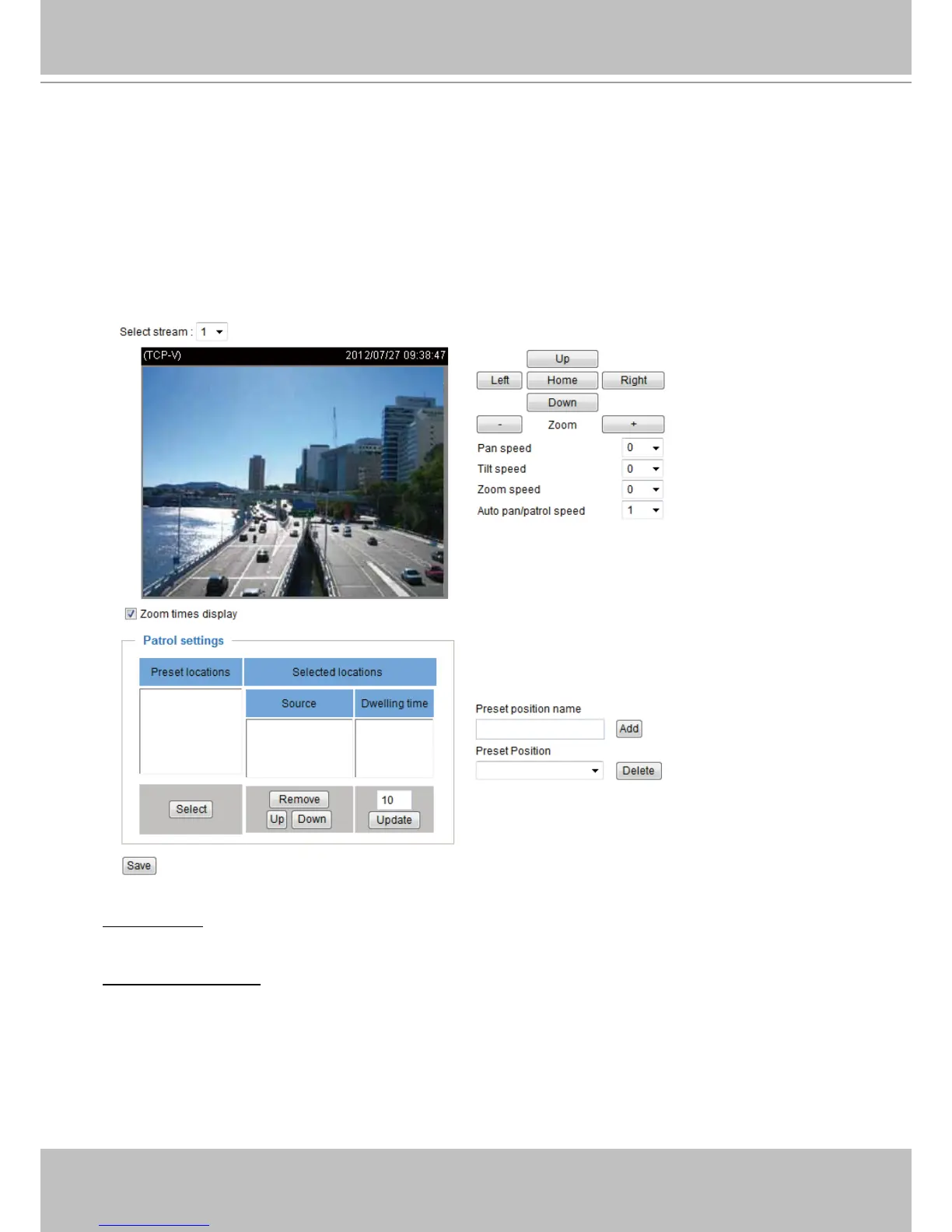
This section explains how to control the Network Camera’s Pan/Tilt/Zoom operation. The
Camera Control works only when a streaming view is not showing the full of the camera’s
largest frame size. For example, when showing a 640x400 frame out of the 1280x800 maximum
size frame.
The onscreen control allows users to quickly move the focus to a pre-congured target area for
close-up viewing without physically zooming the camera.
Select stream: You can only apply e-PTZ control on stream #1. Refer to the following page for details
about how to set up preset and patrol settings.
Auto pan/patrol speed: Select the speed from 1~5 (from slow to fast) to set up the Auto pan/patrol speed
control. When completed with the settings of e-PTZ, click Save to enable the settings on this page.
2010/12/10 17:08:56



 To Next Page