EN - 8
2011/01/05 01:50:28
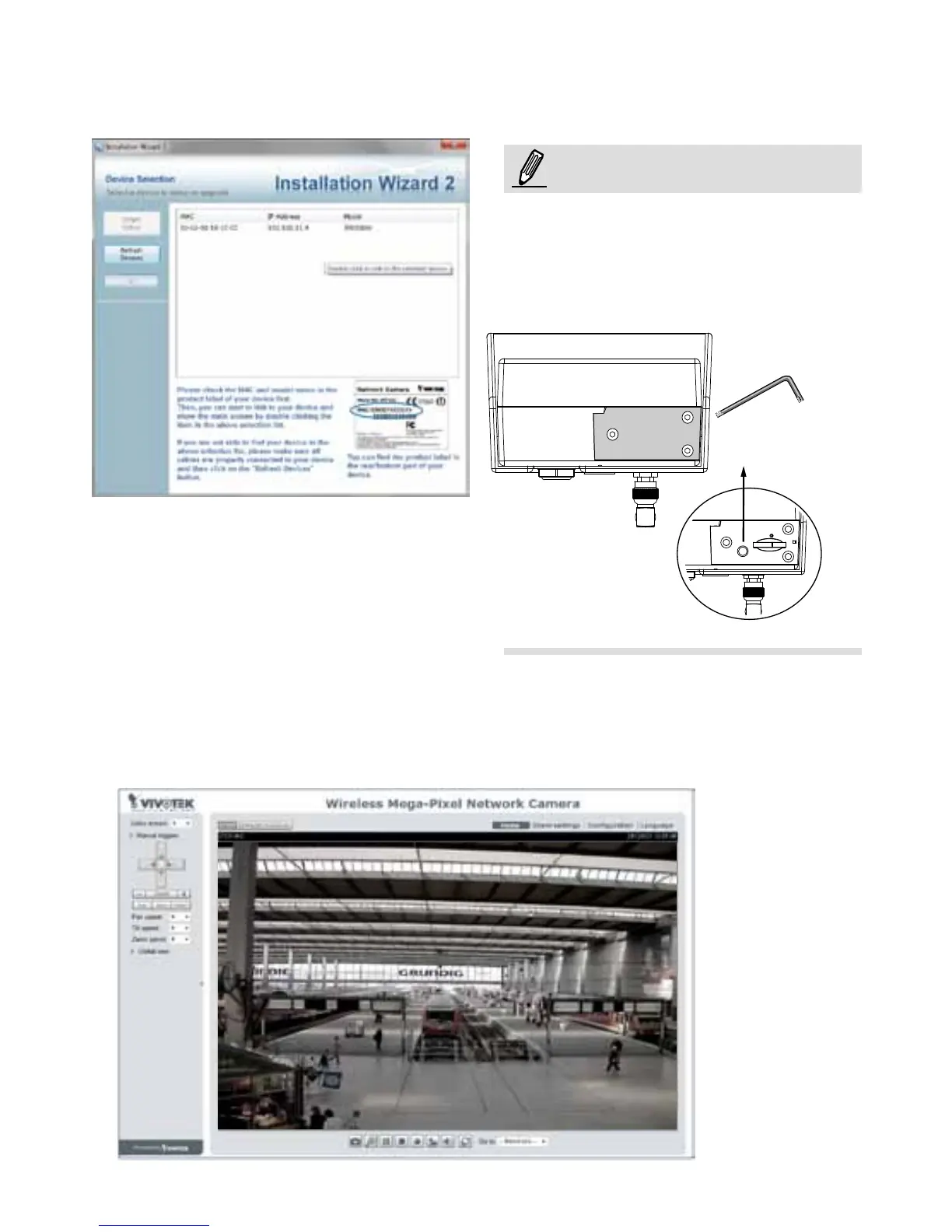
5. A browser session with the Network Camera should prompt as shown below.
6. You should be able to see live video from your camera. You may also install the
32-channel recording software from the software CD in a deployment consisting of
multiple cameras. For its installation details, please refer to its related documents.
4. Open the IW2 utility. The camera will be assigned with a new IP address. Double-click
on it to start a web session. The camera LED will start blinking green by every second.
NOTE:
When you encounter configuration errors,
you can press the WPS button for 5
seconds to restore network settings. The
camera will resume the AP mode and the
LED will light blue.
WPS



 To Next Page