VIVOTEK
User's Manual - 53
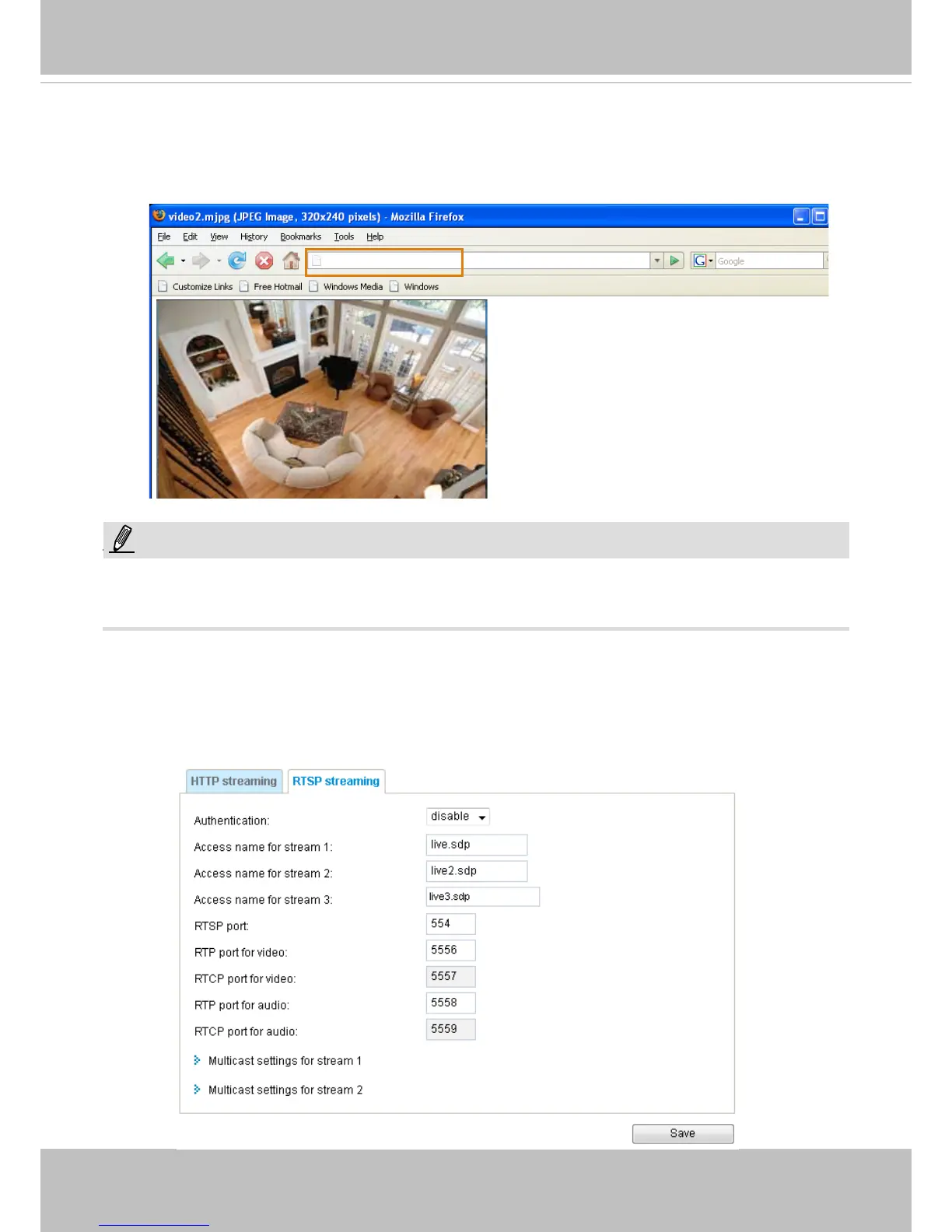
URL command -- http://<ip address>:<http port>/<access name for stream 1~3>
For example, when the Access name for stream 2 is set to video2.mjpg:
1. Launch Mozilla Firefox or Netscape.
2. Type the above URL command in the address bar. Press Enter.
3. The JPEG images will be displayed in your web browser.
NOTE
► Microsoft
®
Internet Explorer does not support server push technology; therefore, you will not be able
to access a video stream using http://<ip address>:<http port>/<access name for stream 1~3> .
RTSP Streaming
To utilize RTSP streaming authentication, make sure that you have set a password for controlling the
access to video stream rst. Please refer to Security > User account on page 62 for details.
http://192.168.5.151/video2.mjpg
NOTE:



 To Next Page