VIVOTEK
User's Manual - 69
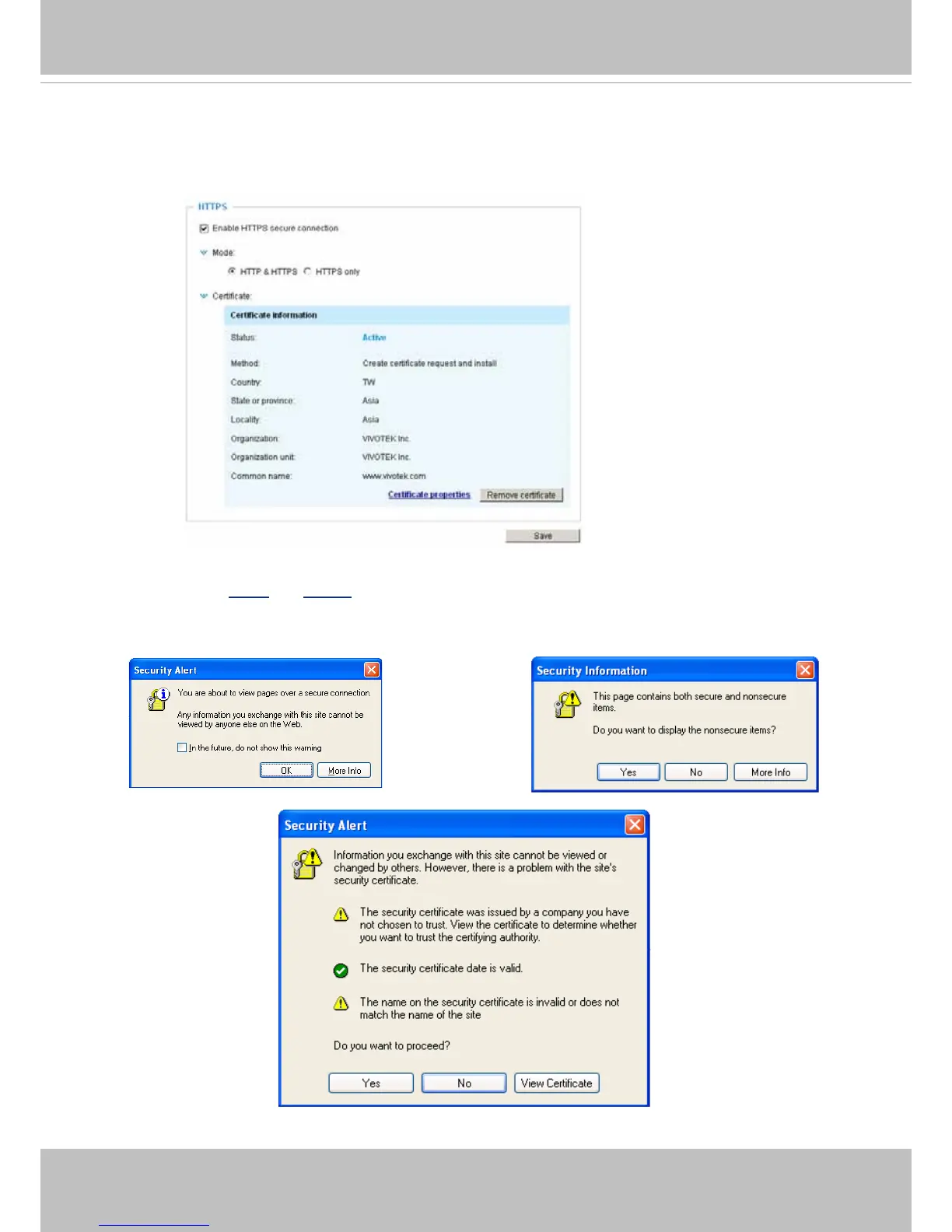
11. When the certifice file is successfully loaded, its status will be stated as Active.
Note that a
certicate must have been created and installed before you can click on the “Save" button
for the conguration to take effect.
12.To begin an encrypted HTTPS session, click Home to return to the main page. Change the URL
address from “http://” to “https://“ in the address bar and press Enter on your keyboard. Some Se-
curity Alert dialogs will pop up. Click OK or Yes to enable HTTPS.



 To Next Page