VIVOTEK
User's Manual - 87
Network storage:
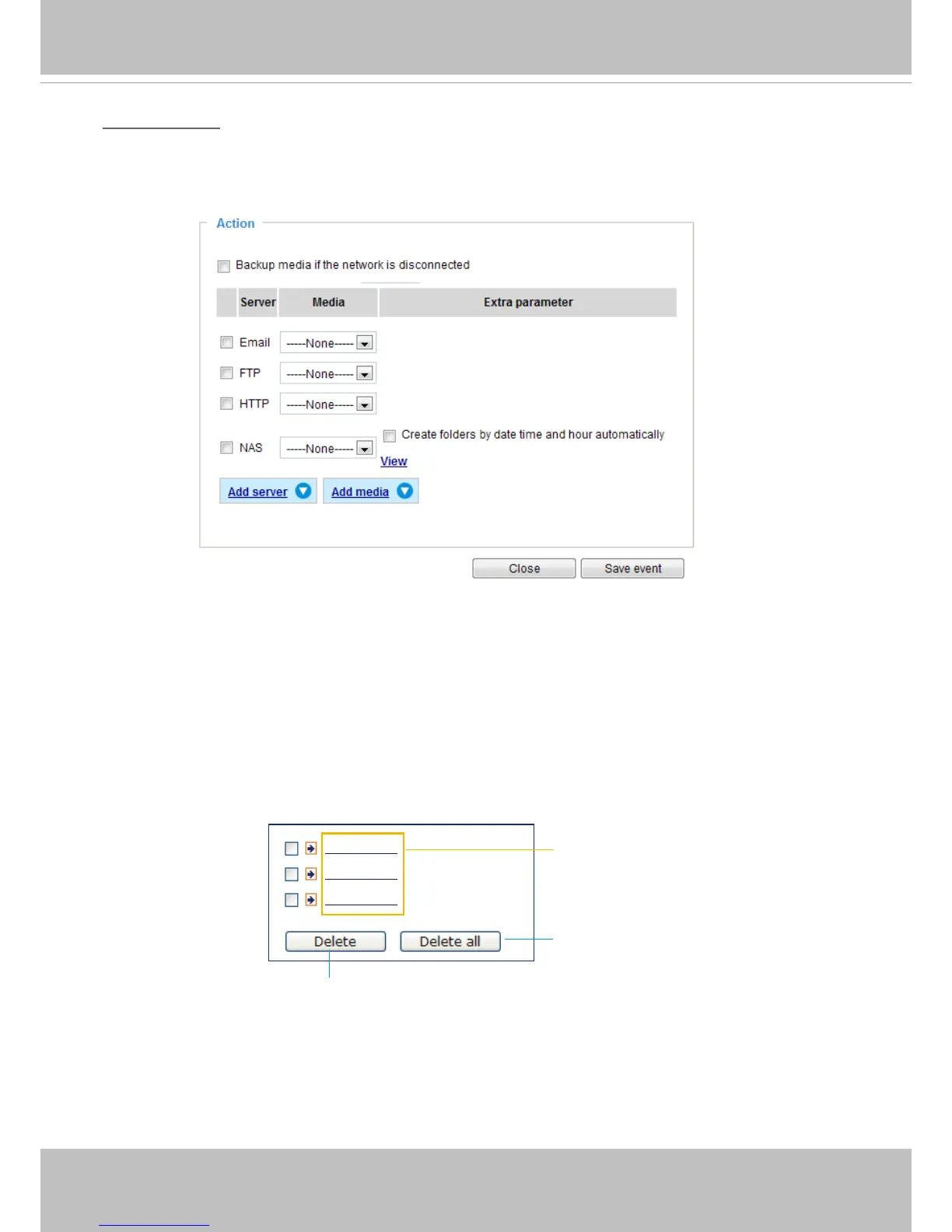
Select to send the media les to a networked storage when a trigger is activated. Please refer to NAS
server on page 100 for details. Note that only one NAS server can be congured.
Click Save server to enable the settings.
■ View: Click this button to open a le list window. This function is only for Networked Storage.
If you click the View button, a storage share's page will prompt so that you can manage the recorded
les on it. A le directory window will prompt for you to view recorded data on Networked storage. For
detailed illustration, please refer to the next page.
■ Create folders by date, time, and hour automatically: If you select this item, the system will
automatically create folders by the date when video footages are stored onto the networked storage.
The following is an example of a le destination with video clips:
20130120
20130121
20130122
Click to delete selected items
Click to delete all recorded data
The format is: YYYYMMDD
Click to open the directory



 To Next Page