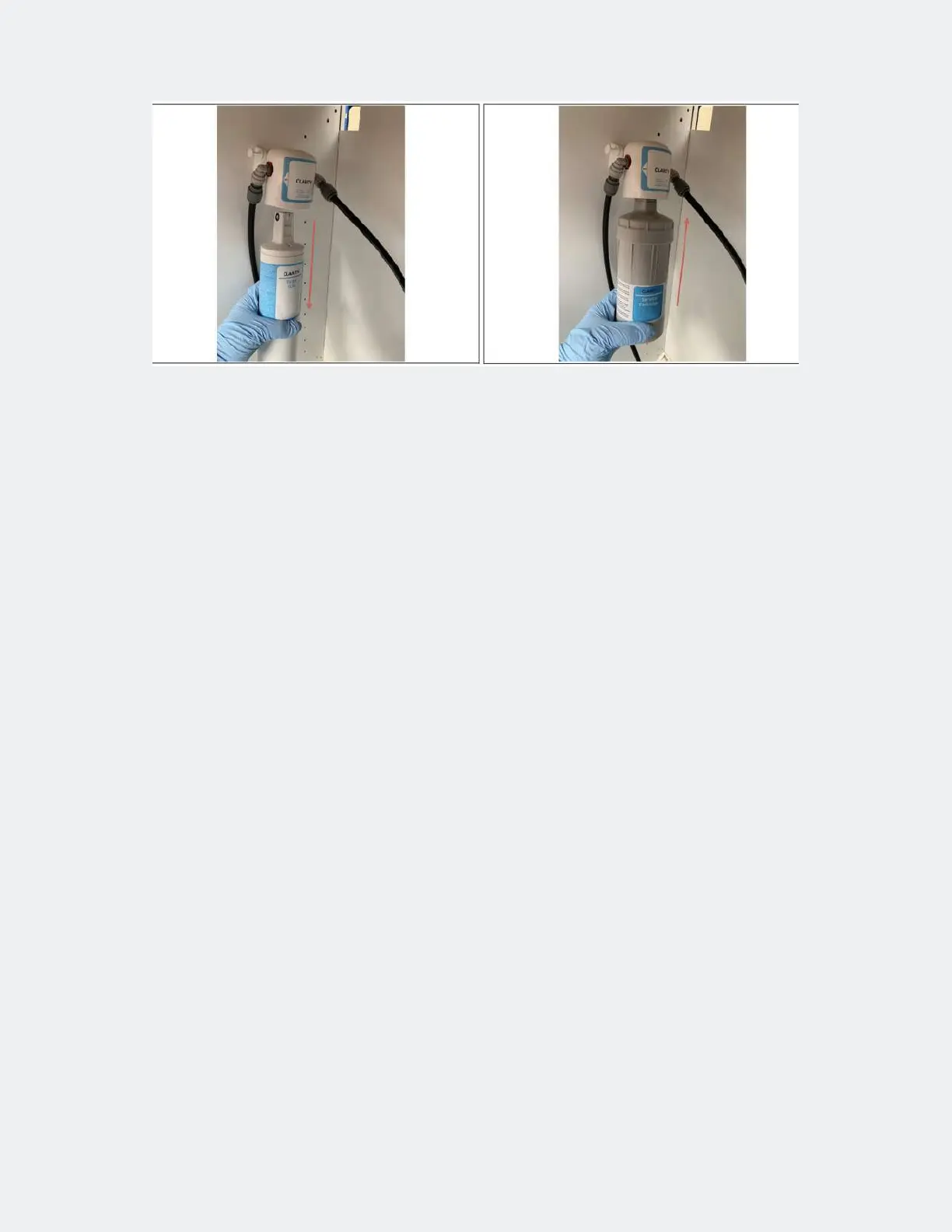
Step 5 — Service cartridge insert
• Cold water lter Pull cartridge out of lter head.
• Insert new input lter.
• Disconnect the line to the device and place it in a container / bucket.
• Open H2O and rinse the lter with water according to the manufacturer‘s instructions (Clarity button 1L).
• Close H2O. Reconnect the line to the device.
• Use service cartridge lled with cleaning agent.
• Open the water supply.



 To Next Page