9
1
To mount your TV on a wall, you will need a wall mount. Consult the
information on this page to nd the appropriate mount for your TV.
e sure the mount you choose is capable of supporting the
weight of the TV. After you have determined that you have
the correct mount for your TV, you can begin the installation.
To install your TV on a wall:
1. Disconnect any cables connected to your TV.
2. Place the TV face-down on a clean, at, stable surface. e sure the
surface is clear of debris that can scratch or damage the TV.
3. Remove the stands by loosening and removing the screws.
4. Attach your TV and wall mount to the wall, carefully following the
instructions that came with your mount. Use only with a UL-listed wall
mount bracket rated for the weightload of this TV.
WALL-MOUNTING THE TV
Installing a Television on a wall requires lifting. To
prevent injury to yourself or others andor damage to
the TV, ask someone to help you.
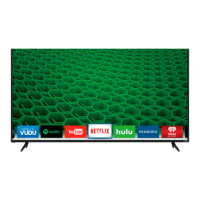
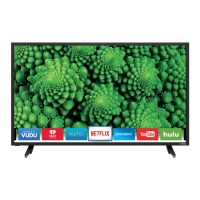
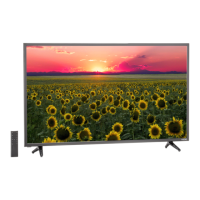
D32f-E1 D39f-E1 D40f-E1 D43f-E1 D43f-E2 D48f-E0 D50f-E1 D55f-E0 D55f-E2
Screw Size: M6 M6 M6 M6 M6 M6 x L18 M6 M6 x L18 M6
ole Pattern:
200 mm (V) x
200 mm ()
200 mm (V) x
200 mm ()
200 mm (V) x
200 mm ()
400 mm (V) x
400 mm (H
200 mm (V) x
200 mm ()
200 mm (V) x
200 mm ()
200 mm (V) x
200 mm ()
200 mm (V) x
200 mm ()
200 mm (V) x
200 mm ()
Weight w/o
Stand:
11.46 lb
(.2 kg)
16.20 lb
(.3 kg)
17.20 lb
(.8 kg)
17.20 lb
(.8 kg)
21.01 lb
(9.3 kg)
25.57 lb
(11.6 kg)
26.68 lb
(12.10 kg)
34.39 lb
(1.60 kg)
34.39 lb
(1.60 kg)



 To Next Page