5
24
Resetting the Color Temperature Settings
To reset the Color Temperature settings:
1. From the COLOR TEMPERATURE
menu, use the Arrow buttons
to highlight Reset Color
Temperature, and then press
OK.
2. The TV displays, “Select Reset
to restore factory default color
temperature settings.” Highlight
Reset and press OK.
3. Press the EXIT button on the
remote.
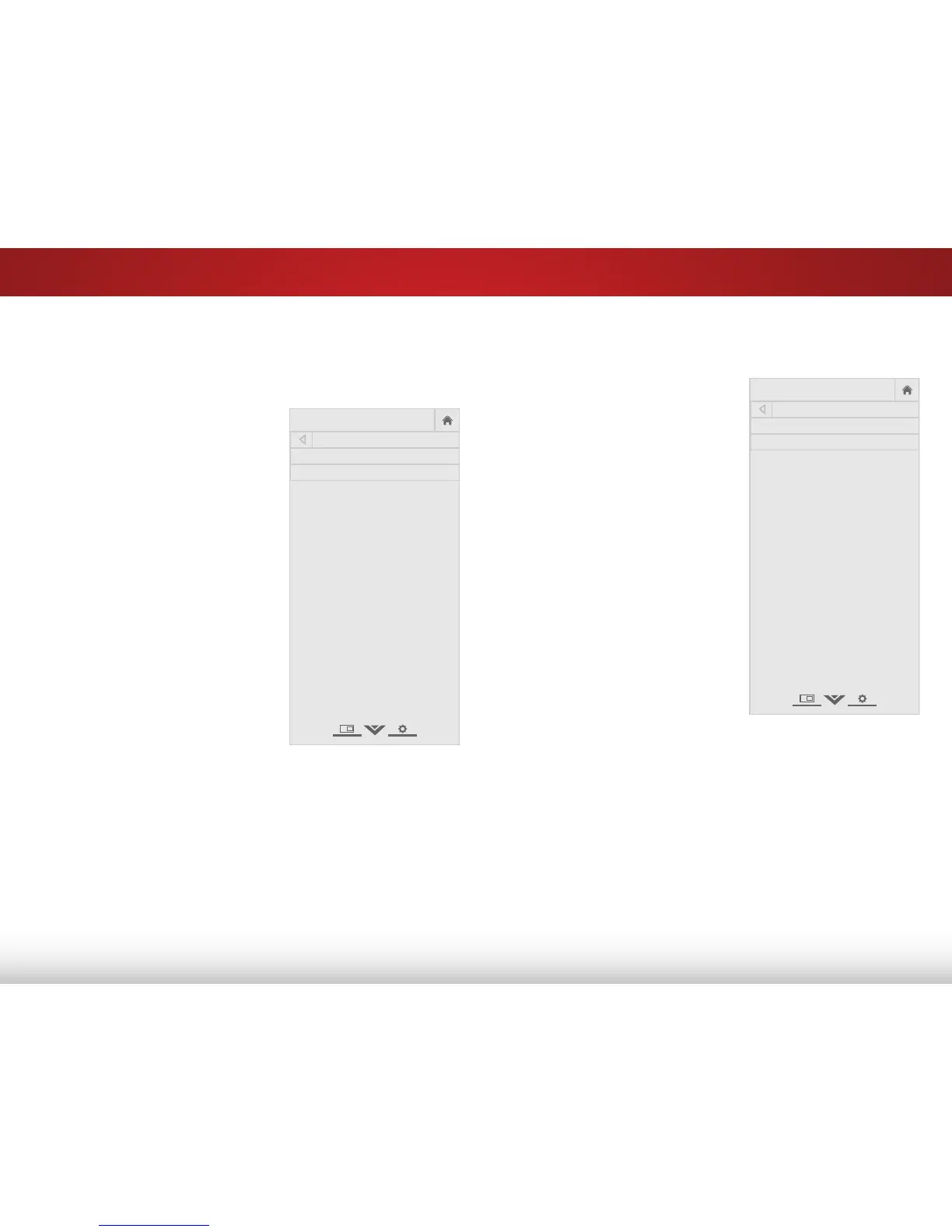
COLOR TEMPERATURE
Color Temperature Normal
Reset Color Temperature
Adjusting the Color Temperature
Adjusting the color temperature will change the “warmness” or
“coolness” of the white areas of the picture.
To adjust the color temperature:
1. From the ADVANCED PICTURE
menu, use the Arrow buttons
to highlight Color Temperature,
then press OK.
2. Use the Arrow buttons on
the remote to highlight Color
Temperature, then use the
Left/Right Arrow buttons to
change the color temperature
preset:
• Cool produces a blue-hued
picture.
• Computer optimizes the
picture for use as a
PC monitor.
• Normal is optimized for
television viewing.
• Custom allows you to
manually change each
of the color temperature
settings:
Red/Green/Blue Gain - Adjusts the amount of each
color in the display.
Red/Green/Blue Offset - Adjusts the position of each
color in the display.
3. When you have finished adjusting the color temperature,
press the EXIT button on the remote.


 To Next Page