5
32
• Background Opacity - Change the transparency of the
background directly behind the text.
• Window Color - Change the color of the closed
captioning box.
• Window Opacity - Change the opacity of the closed
captioning box
4. When you are satisfied with the appearance of the closed
captions, press the EXIT button on the remote.
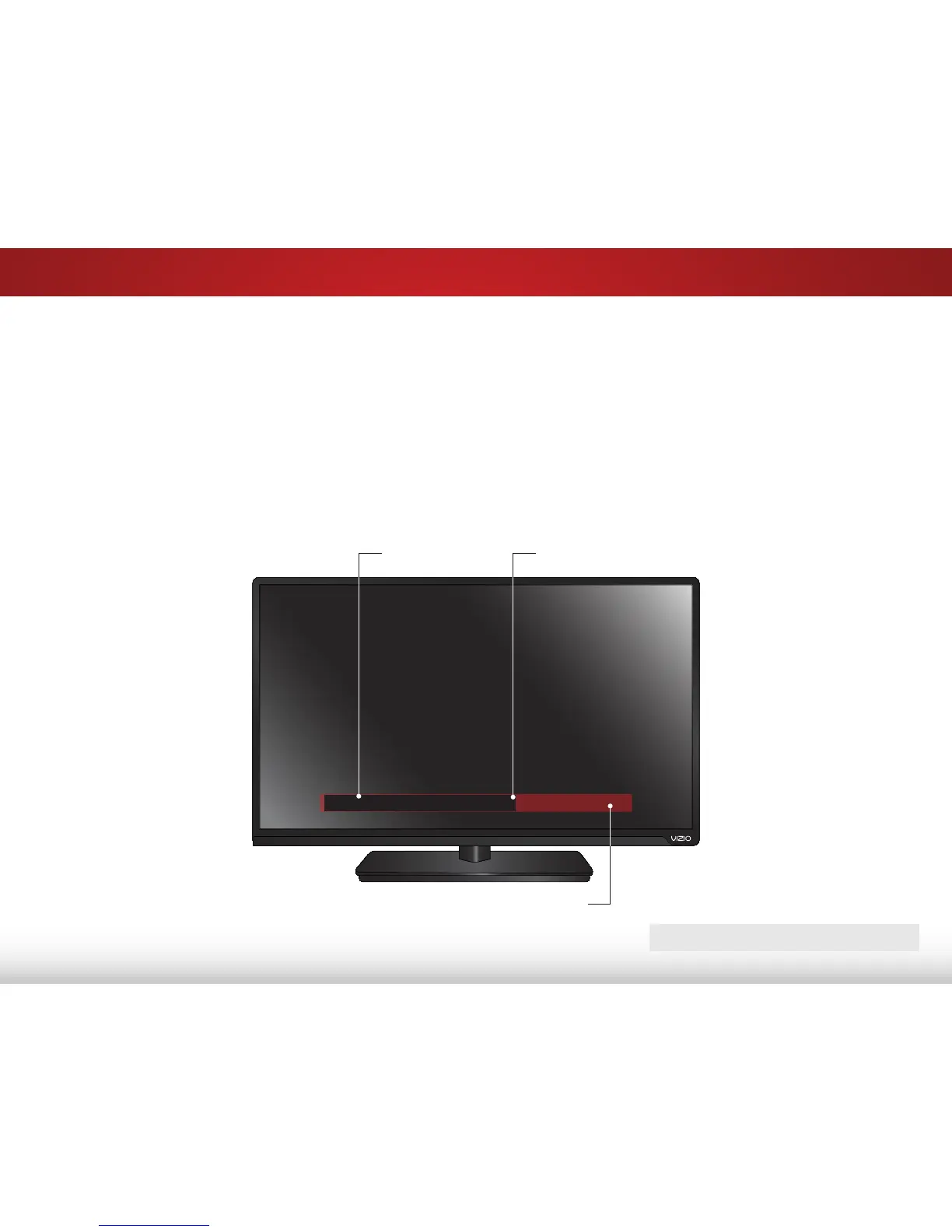
In the example below, the closed caption text is green, the
background is black, and the window is red.
Typical choices include:
• Transparent background, opaque window—The entire
window remains filled with color, while the text appears in
it. The area covered by the window stays the same until
the signal from the TV or a device moves it out of the way
of a changing picture.
• Opaque background, transparent window—Only a strip
of background appears behind the text. There is no
window to block the picture.
Closed caption text sample
Text
Window
Background (BG)
CLOSED CAPTIONS SCREEN LAYOUT



 To Next Page