5
40
Restoring the TV to Factory Default Settings
All of the on-screen menu settings can be reset to the factory
defaults.
If you restore the TV to the factory default settings, all
changes you have made to the settings will be lost!
To restore the TV to its factory default settings:
1. Press the MENU button on the remote. The on-screen menu is
displayed.
2. Use the Arrow buttons on the remote to highlight System
and press OK. The SYSTEM menu is displayed.
3. Highlight Reset & Admin and press OK. The RESET & ADMIN
menu is displayed.
4. Highlight Reset TV to Factory Defaults and press OK.
5. Enter your parental control passcode. If you have not yet set
up a parental passcode, enter the default, 0000.
The TV displays, “Select Reset to restore all TV settings to
factory defaults.”.
6. Highlight Reset and press OK.
7. Wait for the TV to turn off. The TV will turn back on shortly
afterward and the Setup App will begin.
USING THE GUIDED SETUP MENU
Using Guided Setup
The TV’s Setup App can be used to easily set up the TV tuner.
To use guided setup:
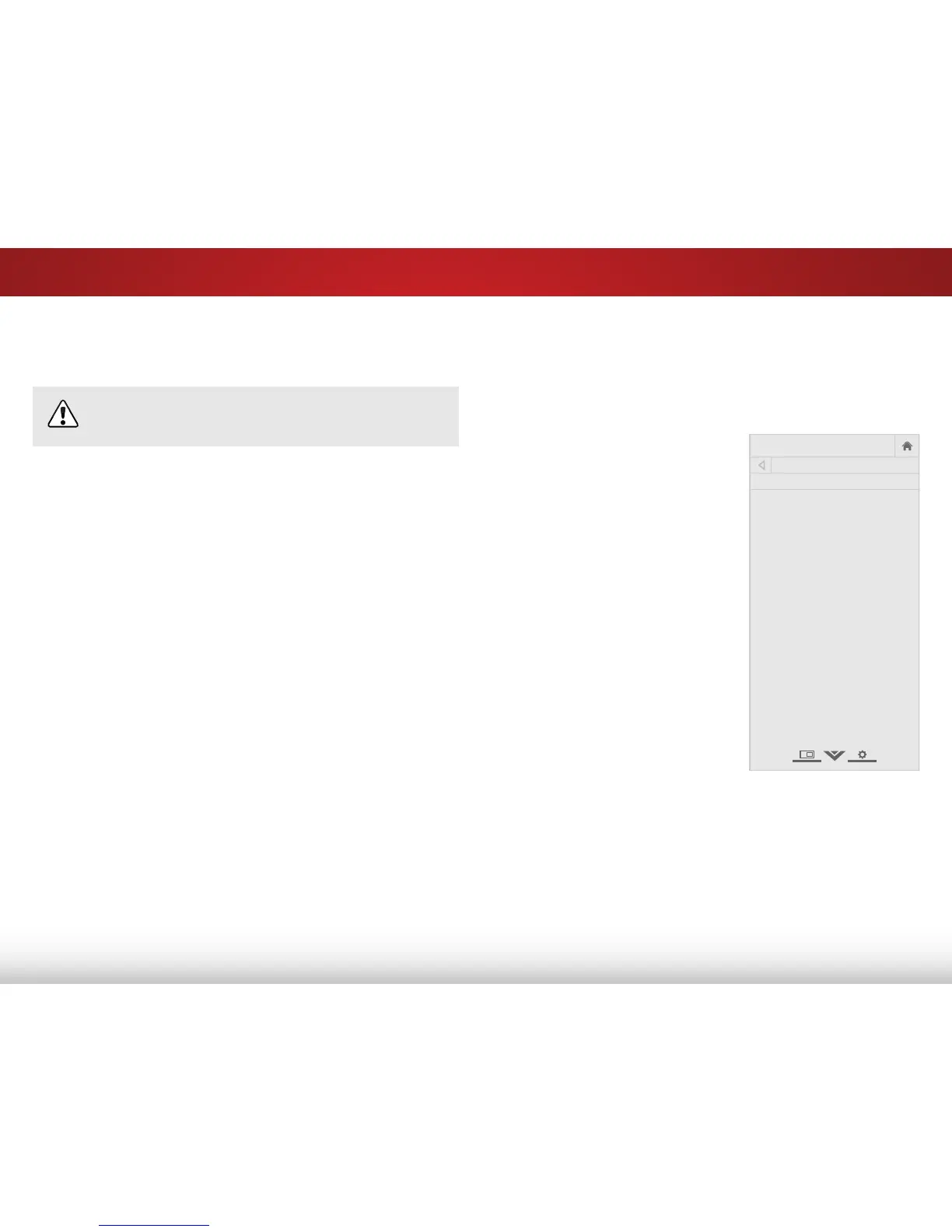
1. Press the MENU button on the
remote. The on-screen menu is
displayed.
2. Highlight Guided Setup and
press OK. The GUIDED SETUP
menu is displayed.
3. Highlight the guided setup you
want to use and press OK:
• Tuner Setup - Set up the TV
tuner.
4. Follow the on-screen
instructions. When finished,
press the EXIT button on the
remote.



 To Next Page