EasyManua.ls Logo

Vizio M601d-A3 - Unpairing a Device

Vizio M601d-A3
84 pages
Print Icon
To Next Page IconTo Next Page
To Previous Page IconTo Previous Page
Loading...
5
47
Unpairing a Device
You can remove devices you do not wish to use with the remote
control by unpairing them.
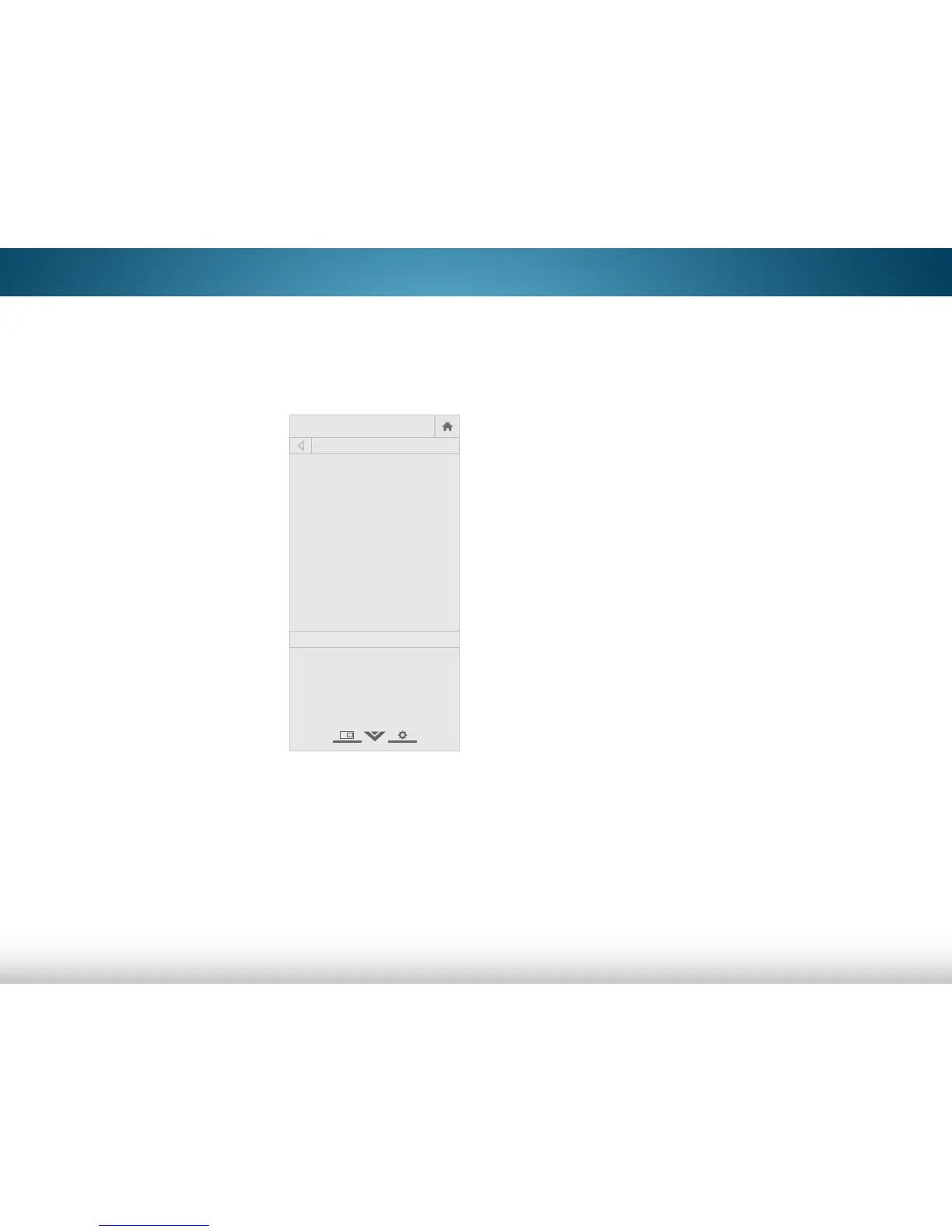
To unpair a device:
1. From the DEVICES menu, use the
Arrow buttons on the remote
to highlight the input with the
device you want to unpair and
press OK. The DEVICE STATUS
INFORMATION page displays.
2. Use the Up/Down buttons to
highlight Unpair and press OK.
The device is unpaired.
3. Press the EXIT button on the
remote control.

Help
VIZIO
N etwork
S leep
Timer
Input CC
ABC
Audio
Wide
Normal
Picture
S ettings
PanoramicWide Zoom
2D 3DExit
DEVICE STATUS INFORMATION
VIZIO XRT510
Remote
Paired
Technical information
Battery Level: 71%
Mac Address: xx:xx:xx:xx:xx:xx
Version: xx.xx
Unpair

Table of Contents

Other manuals for Vizio M601d-A3

Related product manuals