EasyManua.ls Logo

Vizio SB3221n-J6 - User Manual

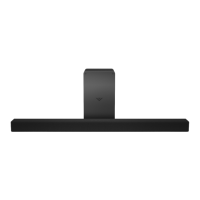
Vizio SB3221n-J6
41 pages
Print Icon
To Next Page IconTo Next Page
Loading...
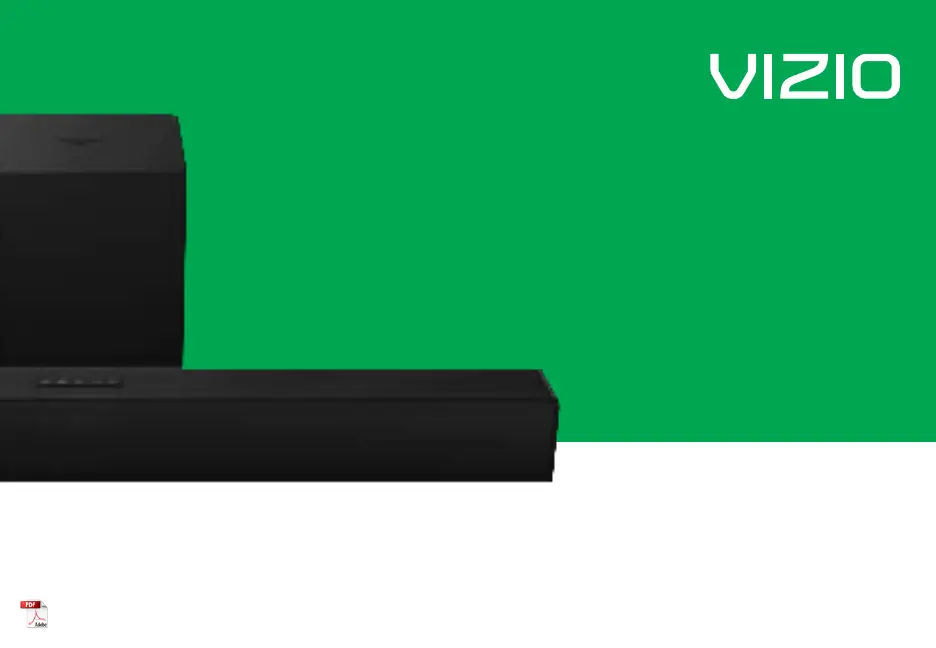
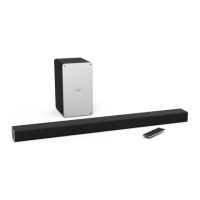
2.1 Sound Bar
User Manual
Model: SB3221n-J6
Please read this guide before using the product.

Questions and Answers

  • E
    Edward MurrayAug 8, 2025
    Why is there no sound on my Vizio SB3221n-J6?
    • K
      Katrina WarrenAug 8, 2025
      If your Vizio Speaker System has no sound, there are several things you can check: * First, increase the volume and make sure the sound bar isn't muted by pressing VOLUME UP or MUTE on the remote. * Try selecting a different input source by pressing INPUT. * Ensure the volume on your source device is turned up and that the device is not muted. * Some TVs don't pass through digital audio, so try setting the TV output to PCM or connect directly to your Blu-ray player or another source. * Also, set the source to output PCM and confirm that the audio output setting is set to FIXED or STANDARD, not VARIABLE.
  • A
    Alexander RussellAug 23, 2025
    What to do if my Vizio SB3221n-J6 Speaker System is buzzing?
    • P
      Paige GibbsAug 23, 2025
      If you hear buzzing or humming from your Vizio Speaker System, try these steps: 1. Ensure all cables and wires are securely connected. 2. Connect a different source device (TV, Blu-ray player, etc.) to see if the buzzing continues. 3. Connect your device to a different input on the sound bar.

Summary

Important Safety Instructions

First-time Setup

Using the Remote

Mode & Level Settings

Input Mode and LED Behavior

Controls input selection and describes corresponding LED indicator color changes.

Bluetooth Mode and LED Behavior

Manages Bluetooth pairing and connectivity, with specific LED flashing patterns.

Using Button Combinations

Factory Reset Procedure

Resets the sound bar to factory default settings by pressing specific buttons.

VIZIO TV Remote Control Function

Enables/disables control of the sound bar via TV remote for power and volume.

Programming the Sound Bar

Bluetooth Pairing

Connecting to a Voice Assistant

Connecting a Subwoofer

Wall-mounting

Help & Troubleshooting

No Power Issues

Troubleshooting steps for when the sound bar has no power.

No Sound Issues

Solutions for when no audio is produced by the sound bar.

Buzzing or Humming Resolution

Diagnosing and resolving buzzing or humming sounds from the unit.

Remote Control Not Working

Steps to troubleshoot a non-functional remote control.

Limited Warranty

Warranty Duration and Coverage

Details the length and what the VIZIO warranty covers for defects.

How to Obtain Warranty Service

Provides instructions for obtaining warranty service and customer obligations.

Specifications

Vizio SB3221n-J6 Specifications

General IconGeneral
BrandVizio
ModelSB3221n-J6
Channels2.1
Total Power Output95 dB
SubwooferYes
BluetoothYes
HDMINo
Remote ControlYes
Wall MountableYes
Product TypeSound Bar
InputsOptical, AUX
Dimensions (Sound Bar)32 x 3 x 3 inches

Related product manuals