Need help?
Do you have a question about the Vizio SB36512-F6 and is the answer not in the manual?
Guides on connecting the sound bar to TV using 3.5mm or Digital Optical cables.
Details connecting the sound bar to TV using an HDMI ARC cable.
 General
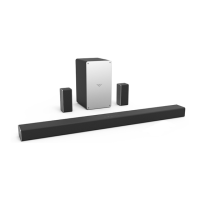
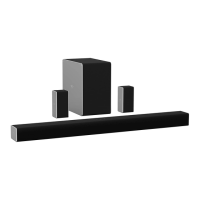
| Color | black |
|---|---|
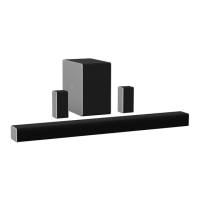
| Audio Channels | 5.1.2 |
| Subwoofer | included |
| Surround Sound | dolby atmos |
| High Resolution Audio | yes |
| Number of Drivers | 8 |
| Maximum Frequency Response | 20 kilohertz |
| Minimum Frequency Response | 40 hertz |
| Inputs | 3.5mm audio, coaxial digital audio, hdmi, optical digital audio |
| Outputs | other |
| HDMI Inputs | 1 |
| HDMI Outputs | 1 |
| HDMI ARC Ports | yes |
| USB Ports | 1 |
| Bluetooth | yes |
| Wireless Connectivity | bluetooth |
| Wireless Multi-Room Audio | yes |
| Optical Audio Inputs | 1 |
| Remote Control | yes |
| Smart Features | google assistant |
 Weight and Dimensions
| Depth | 3.2 inches |
|---|---|
| Height | 2.5 inches |
| Width | 36 inches |
| Net Weight | 5.6 pounds |

 To Next Page