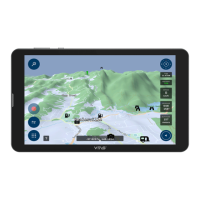
The “Off Road Navigation” option provides access to detailed topographical 1:25K and 1:250K maps
of NSW (plus Qld and Vic on the 700HDs II & X) via OziExplorer. The remaining states are covered by
1:250K maps. Three custom OziExplorer screens have been created to provide access to the most
commonly used activities. Each screen can be selected by pressing the “next page” icon in the top
RH corner.
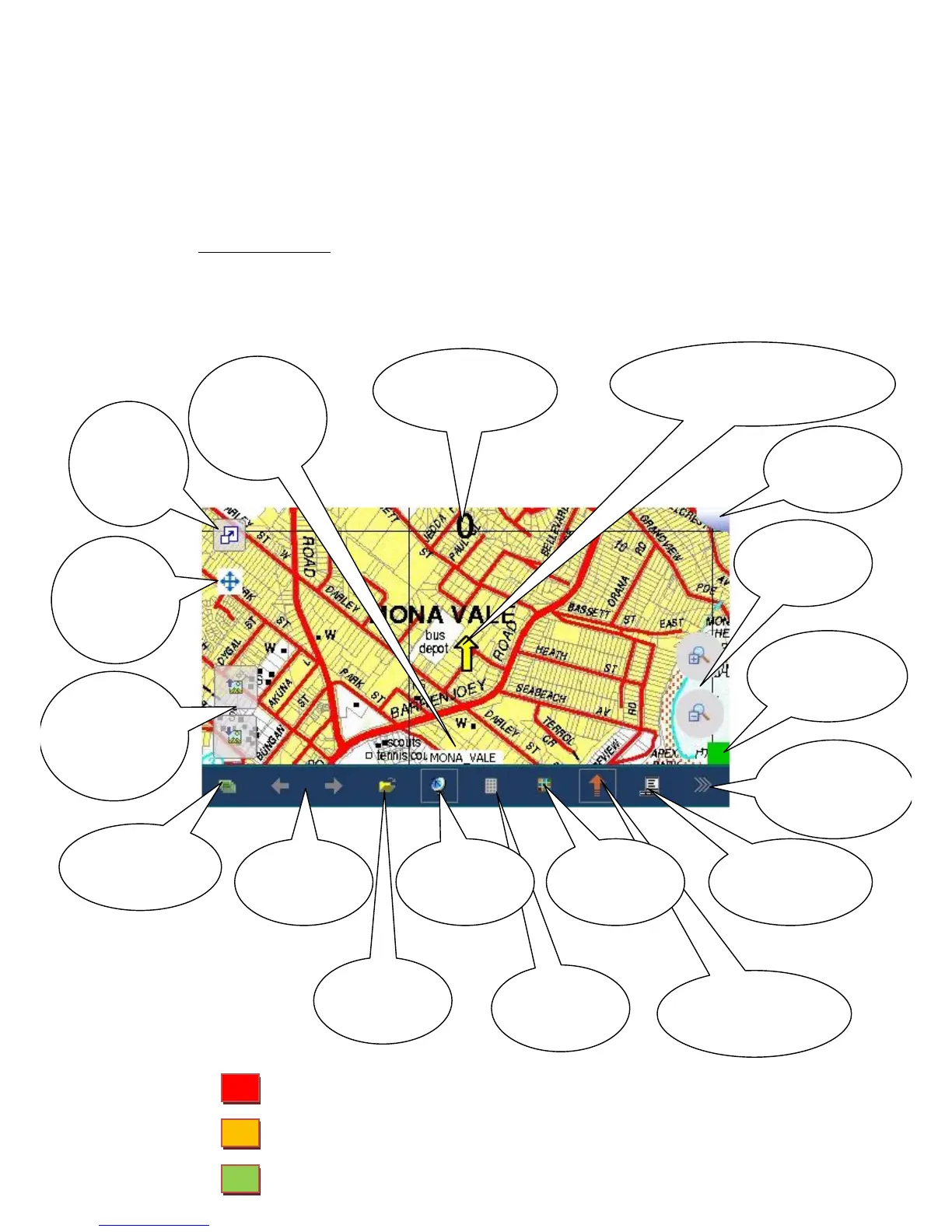
Main map screen: provides a continually updating map that will display your current
position (yellow arrow) and your speed (top centre). In addition, a yellow snail trail will be
displayed of your recent travels.
GPS Status: GPS turned on but no reception - all information invalid
GPS turned off – tap satellite dish to turn on
GPS on and operating normally


 To Next Page
 Loading...