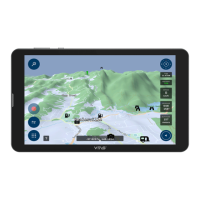
To exit Street Navigation: From the main map screen, press the menu icon in the bottom RHS. Tap
EXIT bottom RHS, then EXIT to confirm. This will take you back to the Main Menu – Street Navigation
or Off Road Navigation.
To exit Off Road Navigation: From the main map menu press the >>> in the bottom RHS of the
screen. Press the red X, top icon. Tap Yes on pop up screen. This will take you back to the Main
Menu – Street Navigation or Off Road Navigation.
Other Options:
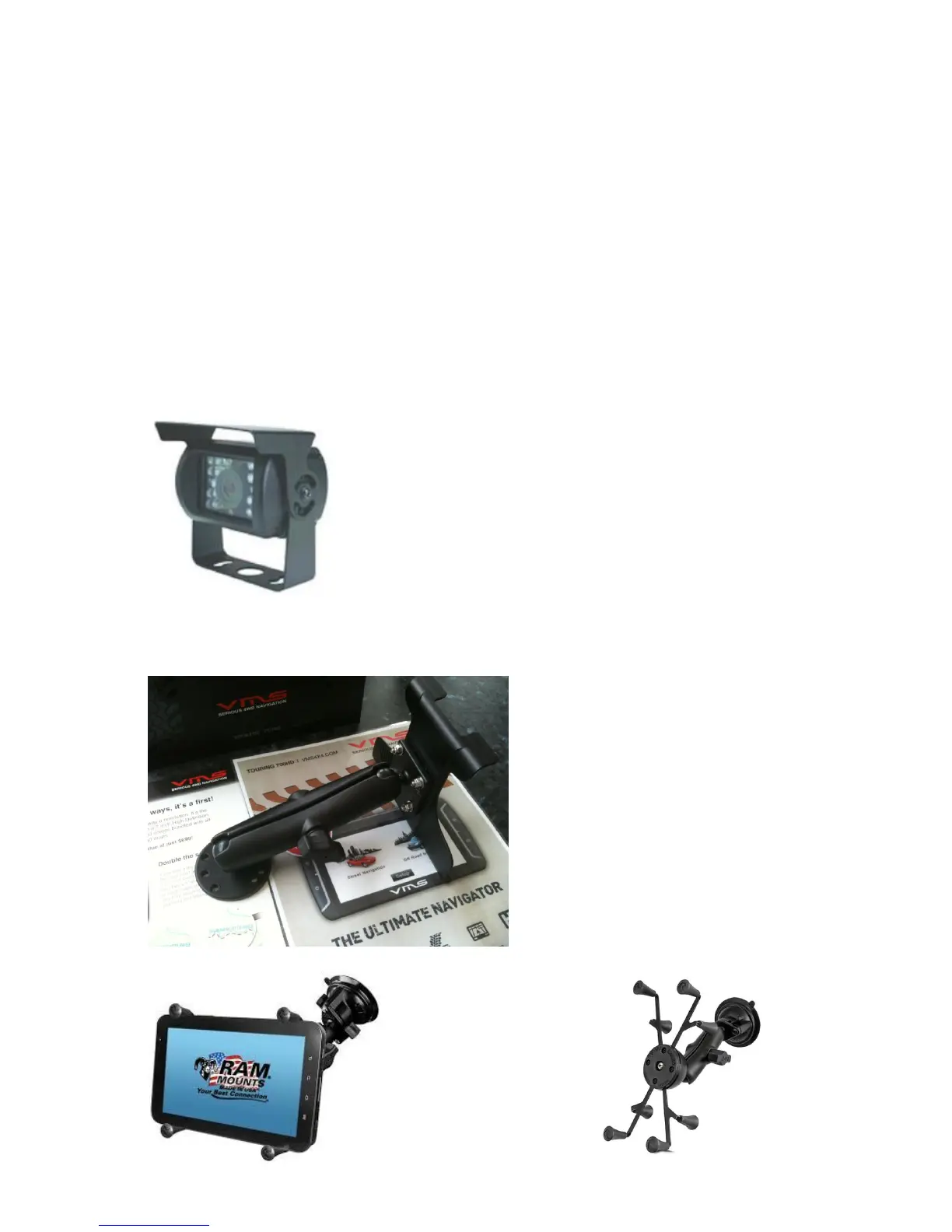
Rear Camera:
The VMS Touring unit is capable of utilising an observation camera. In addition to a reversing
camera’s normal, function it may be advantageous to have a dash mounted “manual” switch to
activate the camera while stationary or moving forward.
These cameras provide a 120° view, are waterproof and utilise CCD
camera technology.
12v model standard but a 24/12v adapter available.
20m cable supplied
Fixed Mounts:
A variety of fixed mounts are available for
those installations that require a screw
down style mounting systems. Different
length arms are also available making floor,
console or dash mounted locations
possible.
Quick mounts also available


 To Next Page
 Loading...