Managing Virtual Machines 12
You can manage virtual machines directly through the ESX/ESXi host or through a vCenter Server system.
If you manage your virtual machines directly through an ESX/ESXi host (a single or standalone system), you
can manage only those virtual machines and their resources installed on that host.
If you manage your virtual machines through a vCenter Server system, you can manage multiple virtual
machines and their resources distributed over many ESX/ESXi hosts. Multiple vCenter Server systems can be
joined together in a vCenter Server Connected Group to allow them to be managed with a single vSphere Client
connection.
The vSphere Client is a flexible, configurable interface for managing your virtual machines through an
ESX/ESXi host or through vCenter Server.
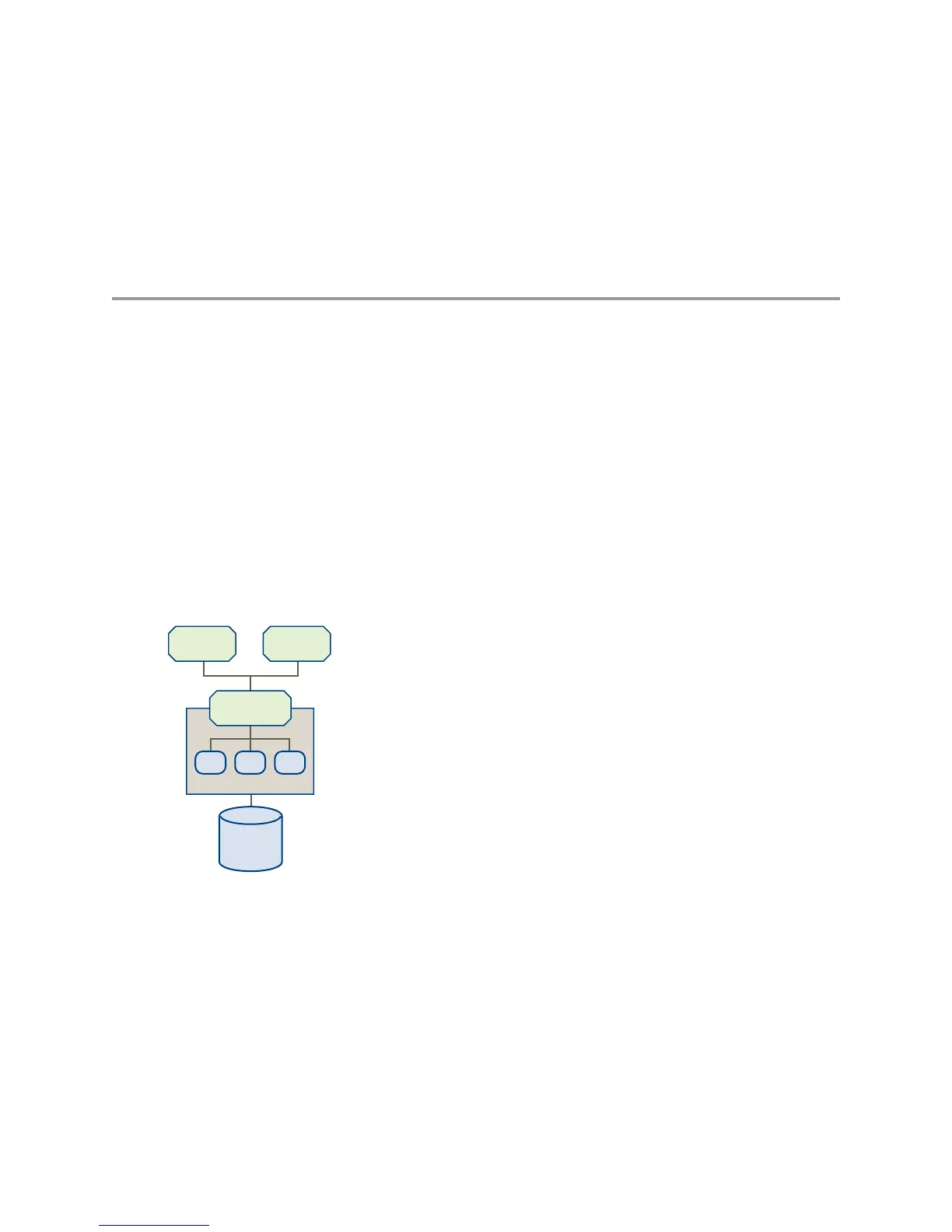
Figure 12-1 illustrates the components in an ESX/ESXi Virtual Infrastructure.
Figure 12-1. vSphere Components with an ESX/ESXi Host



 To Next Page