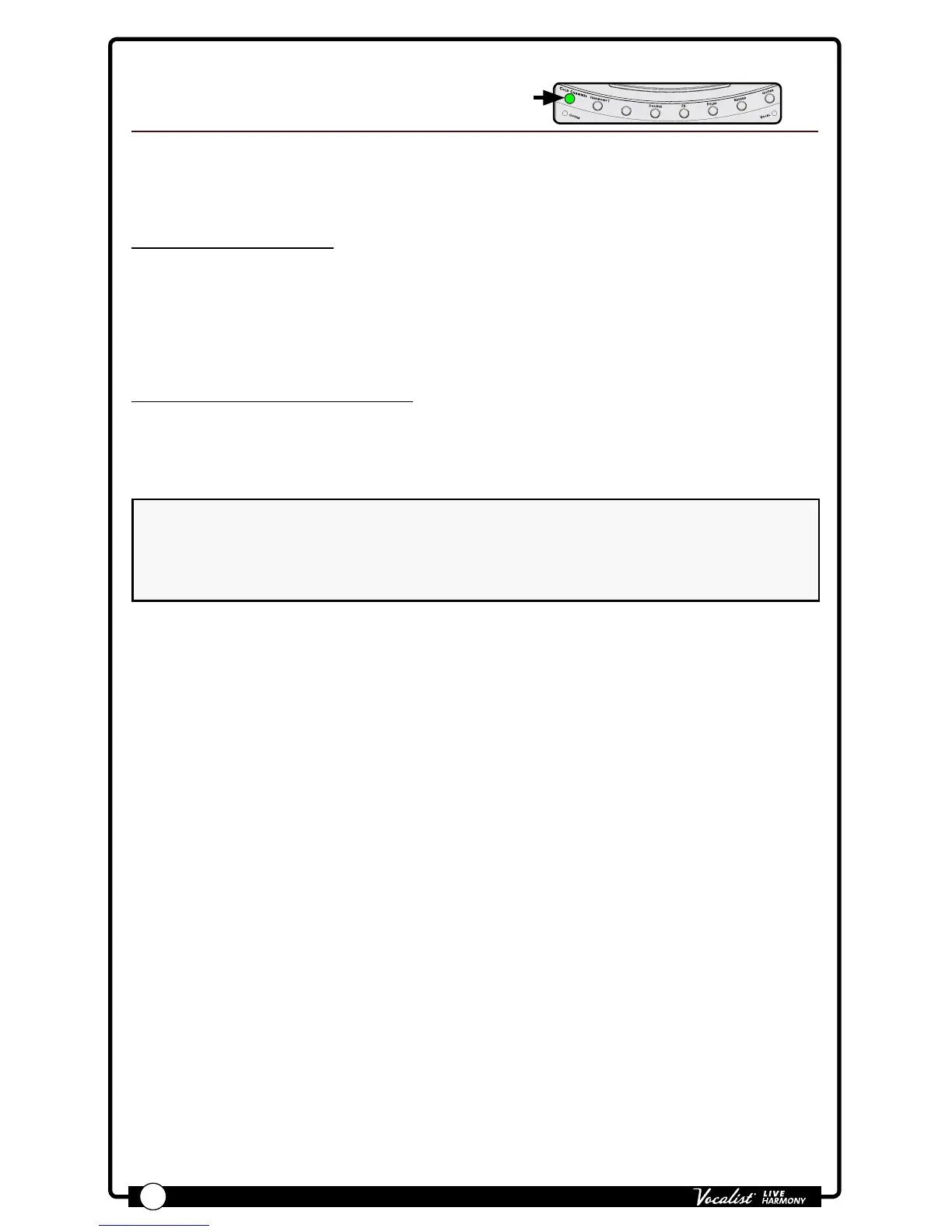
Warmth adds varying amounts of tube saturation to your vocals. Use Warmth when
your vocals require some additional grit, warmth, and character.
Available parameter:
• WARMTH (0-99)
This parameter adjusts the amount of tube saturation applied, with 0 being the
minimum (no effect) and 99 being the maximum.
To dial in the Warmth effect:
1. Sing into the microphone (or use the Sound Check feature, see "Sound Check"
on page 19
) and raise the WARMTH parameter until the desired effect level
is achieved.
NOTE: The Warmth effect becomes more noticeable as your vocal level increases.
To properly set the desired Warmth amount, make sure your microphone gain is
set correctly and that your auditioning vocal passage contains sections that are
loud enough to enable you to hear the effect at its most prominent.


 To Next Page