Enabling the Google Assistant
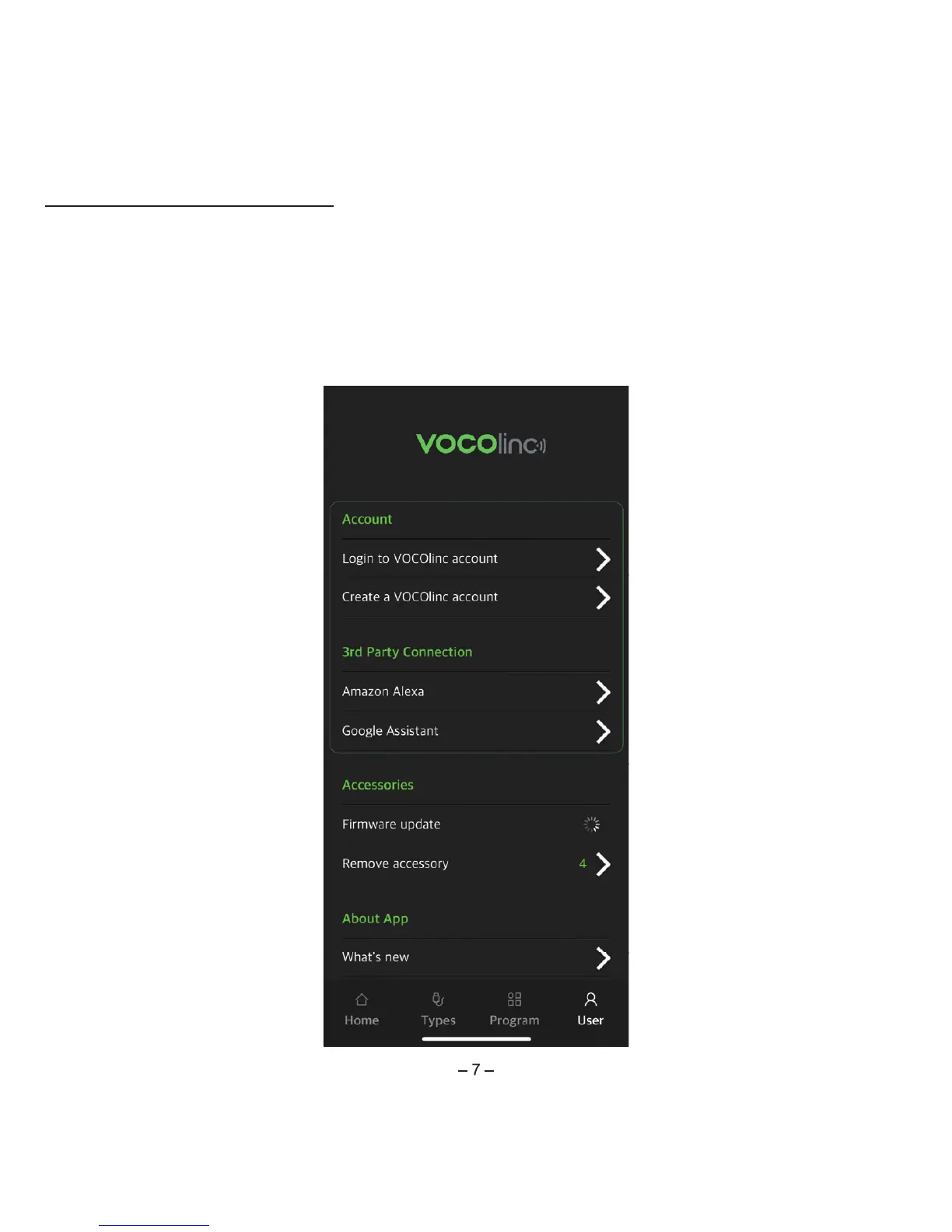
1. Open the LinkWise app > go to settings in the device menu > Link the device to the VOCOlinc Cloud.
2. Tap "User" on the navigation bar and look for "3rd Party Connection" and tap "Enabling Google
Assistant" > follow the instructions to complete setup.
Tips: Login the Google Assistant/Home app with your GMAIL account. When enabling the VOCOlinc skill,
make sure to enter your LinkWise account information.


 To Next Page