Charging a Battery: T5
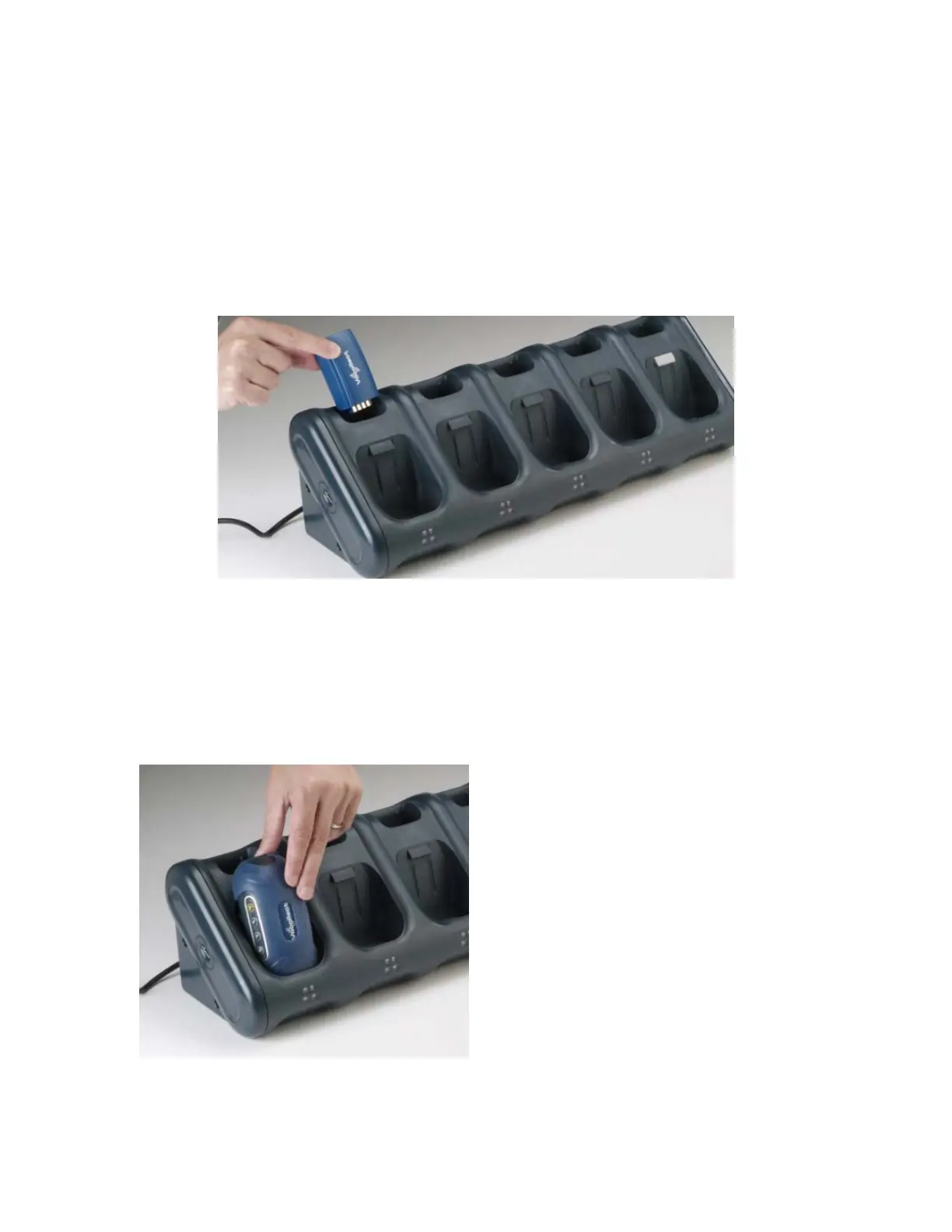
To charge T5 terminal batteries in the T5 Charger, you can:
• Leave the battery connected to a terminal and place the terminal into a terminal slot on
the charger.
• Remove the battery from the terminal and place the battery into a battery slot on the
charger.
To charge a battery (when the battery is removed from the terminal):
1. Remove the battery from the terminal.
2. Hold the battery with the battery contacts to the bottom and the battery contact
facing you.
3. Place the battery into an open battery slot on the top level of the charger. When the
battery is placed into the charger properly, the left LED indicator for the slot into
which the battery was placed should turns red. Note that the upper set of LED
indicators applies to the charger's battery slots.
To charge a battery (when the battery is connected to the terminal):
1. Remove the terminal from the belt clip.
2. Disconnect any other peripherals.


 To Next Page
 Loading...