5
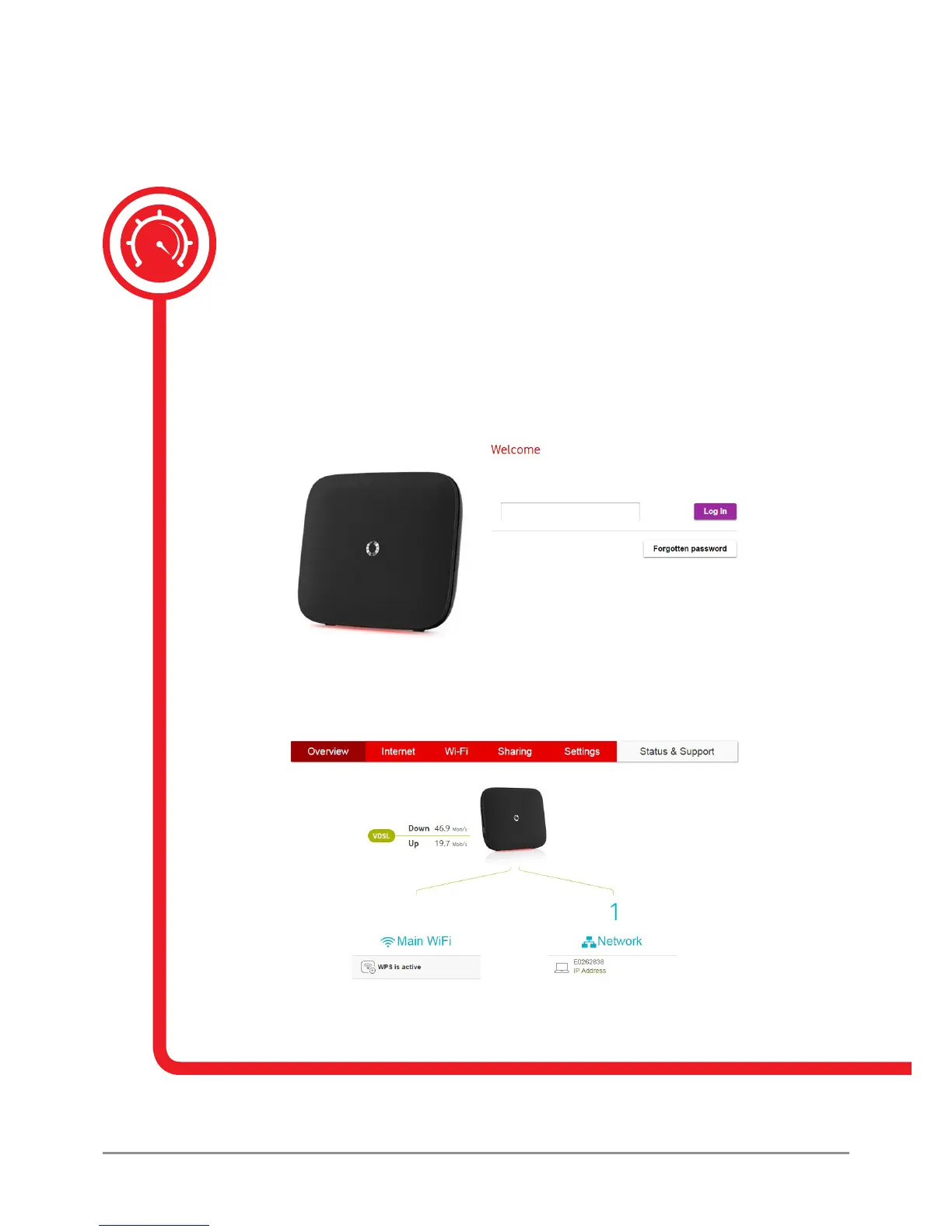
Enter your Vodafone Broadband router password to manage your settings.
1.2 Managing your Vodafone Broadband router’s settings
You can manage your Vodafone Broadband router and all its settings on a PC or Mac
by using the online portal.
1. Make sure you’re connected to the Vodafone Broadband router, either by Wi-Fi
or an Ethernet cable.
2. Open the internet browser on your device and enter
http://vodafone.connect or 192.168.1.1 into the address bar.
3. Enter your Vodafone Broadband router password.
4. Then, by clicking on the relevant tabs, you’ll be able to check and manage your Vodafone
Broadband router’s settings and the devices connected to it.



 To Next Page