30
Privacy Policy, and Terms of Service show the detailed
policies and service regulations.
Settings display all settings needed in contacts as in the table:
• Your info
Touch to set up your own contact infomation
like number, profile, and others.
• Accounts
Manage the synchronisation settings for
different accounts.
• Contacts list
You can Sort by First name or Last name, as
well as Name format as First name first or Last
name first.
• Edit contacts
Edit the default account for new contacts and
phonetic name.
• Manage contacts
Import or export contacts between phone, SIM
card, and microSD card, or share contacts; Add
numbers as blocked numbers, then you won't
receive calls and texts from them any more.
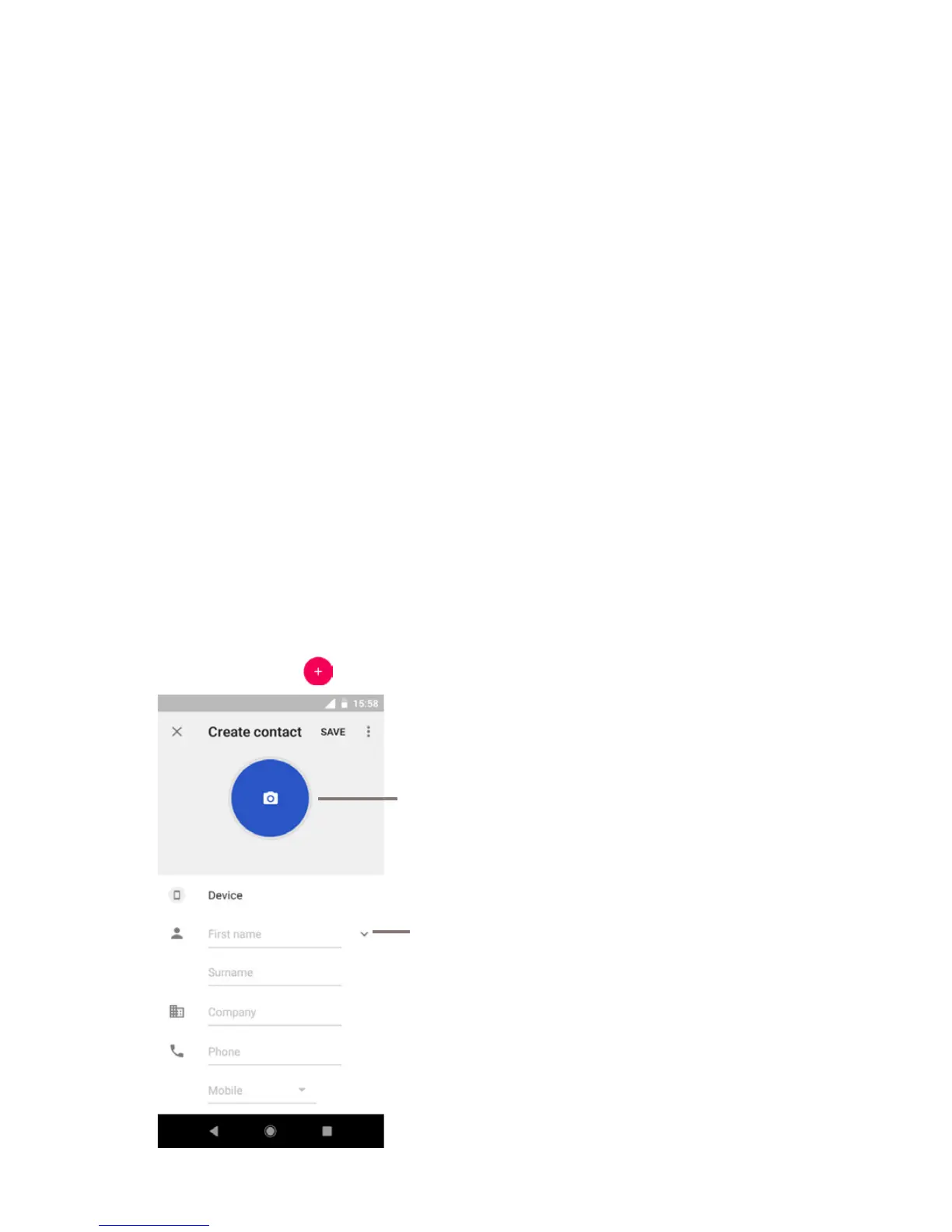
3.3.2 Adding a contact
Touch the Application tab on the Home screen, select Contacts,
then touch the
icon in the contact list to create a new contact.
Touch to take a photo or select a picture for
the contact
Touch to save
Touch to add a new label



 To Next Page