99
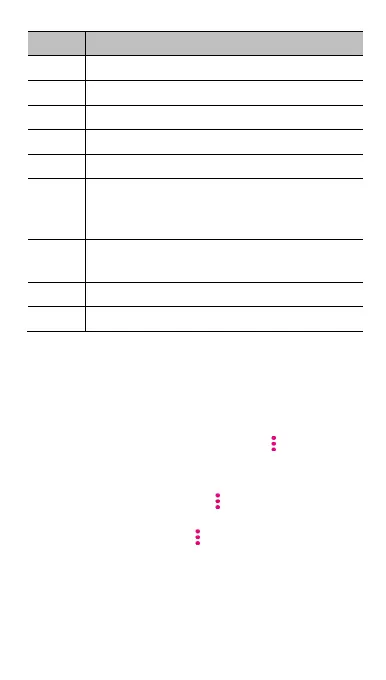
Number Function
1
Return to the music library.
2
Song, album, and artist information.
3
Album artwork.
4
Add the song to the Favourites playlist.
5
Turn on or off shuffle.
6
Playback control: Skip songs or pause and resume
playback. Drag the progress bar to jump to any
part of the track.
7
Toggle repeat mode. You can repeat the current
song, repeat the current playlist, or turn off repeat.
8
View the current playlist.
9
Get more options.
Managing playlists
Create playlists to organise your music files into sets of songs,
so that you can play the songs you like in the order you
prefer.
From any music library category, touch
> Add to next
to a song to add it to a playlist or create a new playlist.
In the My playlists section, touch a playlist to view its
content. You can then touch
at the top right and
select to add more songs to the playlist, rename or
delete the playlist; touch
> Remove next to the song
to remove it from the playlist.



 To Next Page