12
If the battery is low, there will be a pop-up message on the
screen.
WARNING!
Use only approved chargers and USB Type-C cables. The use
of unapproved accessories could damage your phone or, in
the worst case, cause the battery to explode.
WARNING!
Do not remove the back cover. The battery is not
removable. Removal may cause fire or explosion.
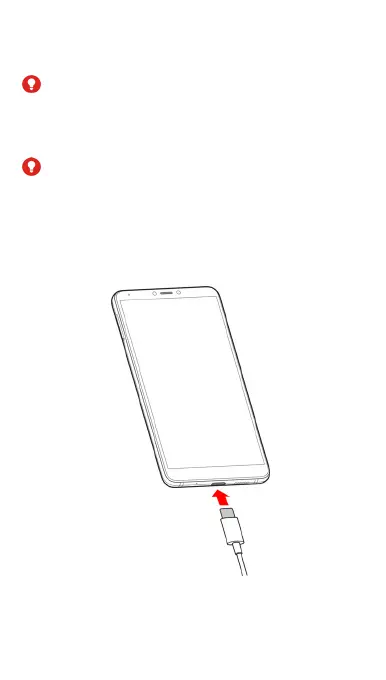
1. Connect the charger adapter to the phone charging jack.
Do not force the charger connector into the phone
charging jack.



 To Next Page