38
NOTE:
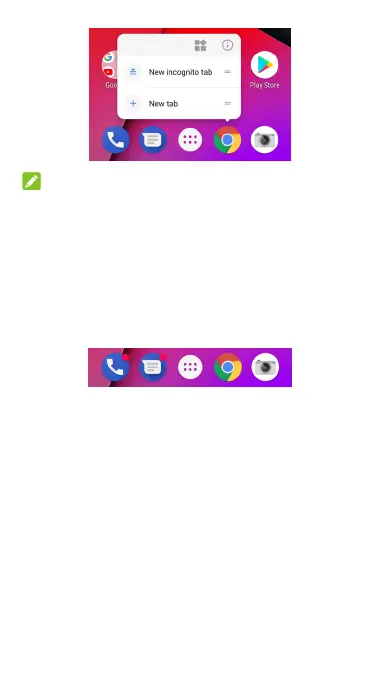
You can also touch and hold a function from the displayed
menu, and drag it to a home screen panel to create a shortcut
of the function.
Notification dots
Some apps will display a dot when they have notifications.
The notification dots appear on the app icons on both the
home screen and the app list screen.
Touch and hold an app icon with a dot to preview its
notifications. You can swipe a notification left or right to
dismiss it.
To turn on/off notification dots for all apps:
1. Swipe up on the home screen and touch Settings >
Apps & notifications > Notifications.
2. Touch the Allow notification dots switch to turn it on or
off.
To turn on/off notification dots for specific apps:
1. Swipe up on the home screen and touch Settings >
Apps & notifications > Notifications.
2. Switch on Allow notification dots.



 To Next Page