93
Working with pictures
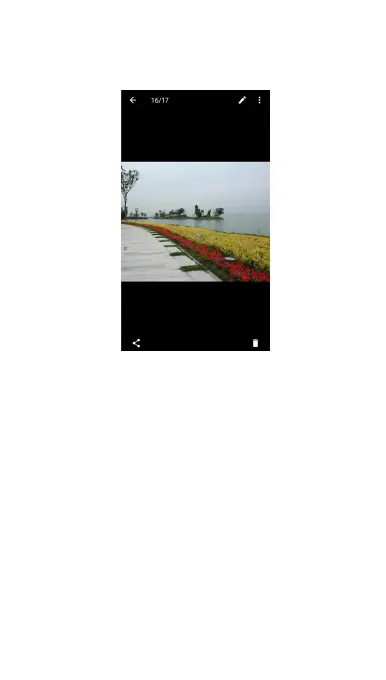
Touch a picture in an album to view the picture in full screen.
When viewing a picture in full screen, the following features
are available.
Swipe horizontally to see more pictures or videos.
Pinch a picture or video to make it smaller. You'll then
see a filmstrip-style view of all your pictures and videos in
a row. Swipe left or right to scan through them all.
In the filmstrip-style view, you can delete a picture or
video by swiping it up. If you accidentally delete one,
touch UNDO to retrieve it.
In the filmstrip-style view, you can encrypt a picture or
video by swiping it down when Privacy Space is enabled.
See Privacy Space.
Double-tap the picture, or pinch two fingers together or
spread them apart to zoom out or in.



 To Next Page