94
Touch
, or to edit, share or delete the
picture.
Touch
to rotate, edit or print the picture, set it as
wallpaper or contact photo, check file details, rename
the picture or video, encrypt the picture or video when
Privacy Space is enabled, or browse the album contents
in a slideshow.
If the picture is an active photo you have captured, touch
to play it.
NOTE:
Some options may not be available for certain albums or
pictures.
Retouching your pictures
You can edit any photos you took and some other pictures in
Gallery. The changed picture is saved in the same album as
the original image, which is not affected.
1. Touc h
while viewing a picture in full screen to open
the Photo Editor interface.
NOTE:
You can also touch
> Edit > Photos to edit the picture
with Photos.
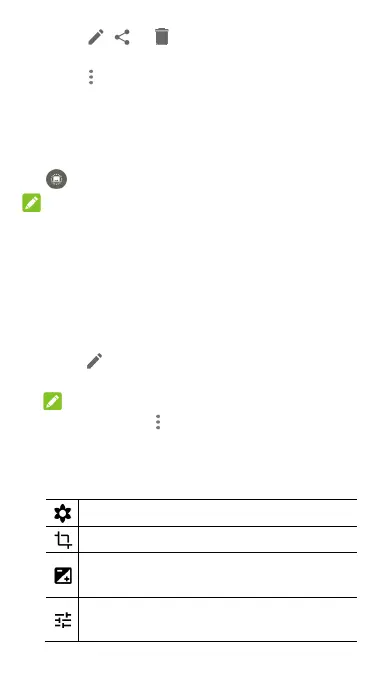
2. Touch an edit option along the bottom of the screen and
edit the picture.
Apply blur effects, filters, or old photo effects.
Crop, rotate, or flip (mirror) the picture.
Adjust exposure, contrast, sharpness, and other light
options.
Adjust the colour of the picture with saturation, hue,
and other colour effects.



 To Next Page