CONTROLS
AND EQUIPMENT
6 -
Selector
lever
position*
dis-
play
The selector lever position for automatic
gearboxes is shown in the display - see
page 117.
7 -
Odometer/
Trip
meter
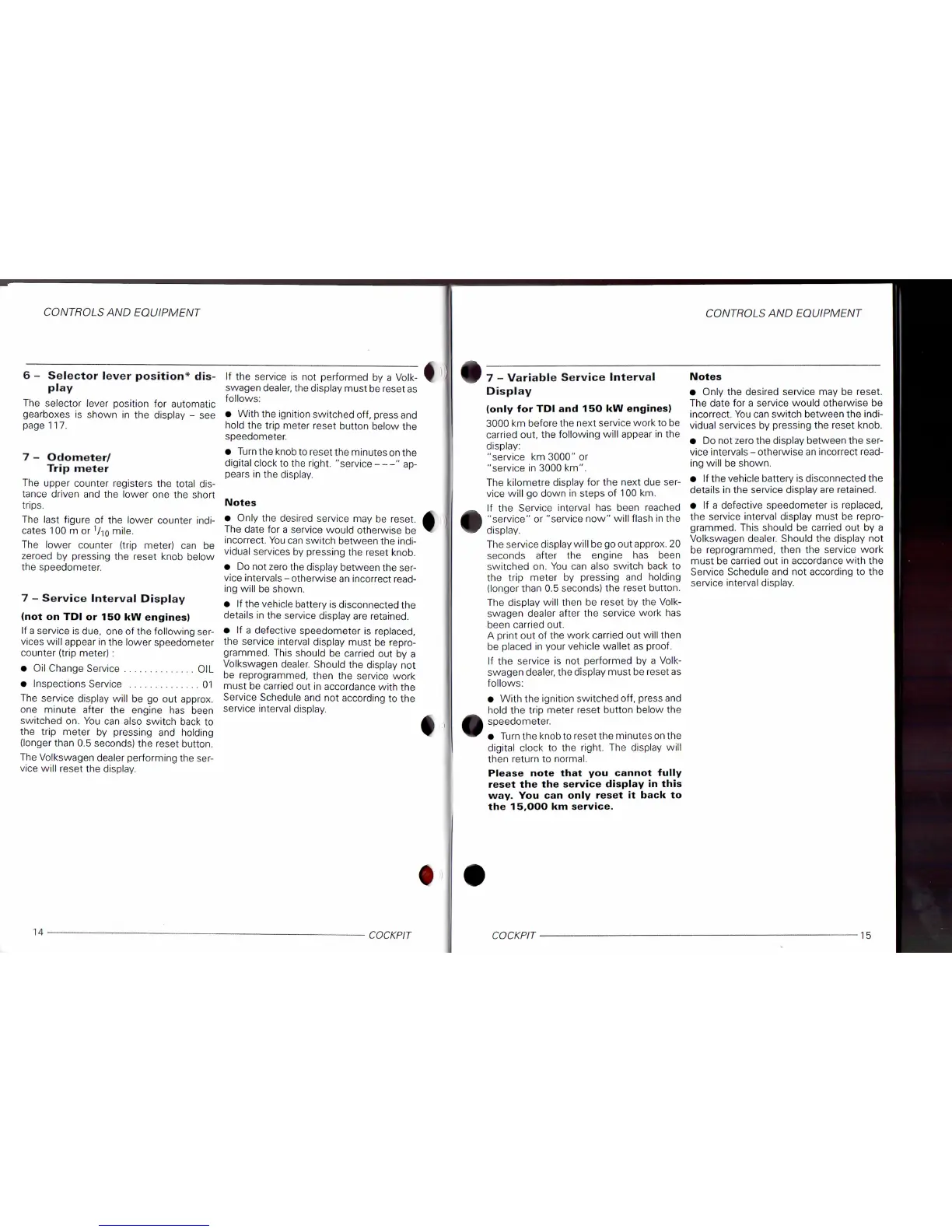
The upper counter registers the
total
dis-
tance driven and the lower one the short
trips.
The last figure of the lower counter indi-
cates 100 m or V10 mi|e.
The lower counter
(trip
meter) can be
zeroed by pressing the reset knob below
the speedometer.
7 -
Service
interval
Display
(not on TDI or 150 kW
engines)
If a service is clue, one of the following ser-
vices
will
appear in the lower speedometer
counter
(trip
meter) :
• Oil Change Service OIL
• Inspections Service 01
The service display
will
be go out approx.
one minute after the engine has been
switched on. You can also switch back to
the
trip
meter by pressing and holding
(longer than 0.5 seconds) the reset button.
The Volkswagen dealer performing the ser-
vice
will
reset the display.
If the service is not performed by a Volk-
swagen dealer, the display must be reset as
follows:
• With the ignition switched off, press and
hold the
trip
meter reset
button
below the
speedometer.
• Turn the knob to reset the minutes on the
digital clock to the
right,
"service " ap-
pears in the display.
Notes
• Only the desired service may be reset.
The date for a service would otherwise be
incorrect. You can switch between the indi-
vidual services by pressing the reset knob.
• Do not zero the display between the ser-
vice intervals-otherwise an incorrect read-
ing
will
be shown.
• If the vehicle
battery
is disconnected the
details in the service display are retained.
• If a defective speedometer is replaced,
the service interval display must be repro-
grammed. This should be carried out by a
Volkswagen dealer. Should the display not
be reprogrammed, then the service
work
must be carried out in accordance
with
the
Service
Schedule and not according to the
service interval display.
CONTROLS
AND EQUIPMENT
7 -
Variable
Service
interval
Display
(only
for TDI and 150 kW
engines)
3000 km before the next service
work
to be
carried out, the following
will
appear in the
display:
"service km 3000" or
"service in 3000 km".
The kilometre display for the next due ser-
vice
will
go down in steps of 100 km.
If the Service interval has been reached
"service"
or "service now"
will
flash in the
display.
The service display
will
be go out approx. 20
seconds
after the engine has been
switched on. You can also switch back to
the
trip
meter by pressing and holding
(longer than 0.5 seconds) the reset button.
The display
will
then be reset by the Volk-
swagen dealer after the service
work
has
been carried out.
A
print
out of the
work
carried out
will
then
be placed in your vehicle wallet as
proof.
If the service is not performed by a Volk-
swagen dealer, the display must be reset as
follows:
• With the ignition switched off, press and
hold the
trip
meter reset
button
below the
speedometer.
• Turn the knob to reset the minutes on the
digital clock to the
right.
The display
will
then
return
to normal.
Please
note
that
you
cannot
fully
reset
the the
service
display
in
this
way. You can
only
reset
it
back
to
the
15,000
km service.
Notes
• Only the desired service may be reset.
The date for a service would otherwise be
incorrect. You can switch between the indi-
vidual services by pressing the reset knob.
• Do not zero the display between the ser-
vice intervals - otherwise an incorrect read-
ing
will
be shown.
• If the vehicle
battery
is disconnected the
details in the service display are retained.
• If a defective speedometer is replaced,
the service interval display must be repro-
grammed. This should be carried out by a
Volkswagen dealer. Should the display not
be reprogrammed, then the service
work
must be carried out in accordance
with
the
Service
Schedule and not according to the
service interval display.
COCKPIT
15


 To Next Page
 Loading...